Create by chat
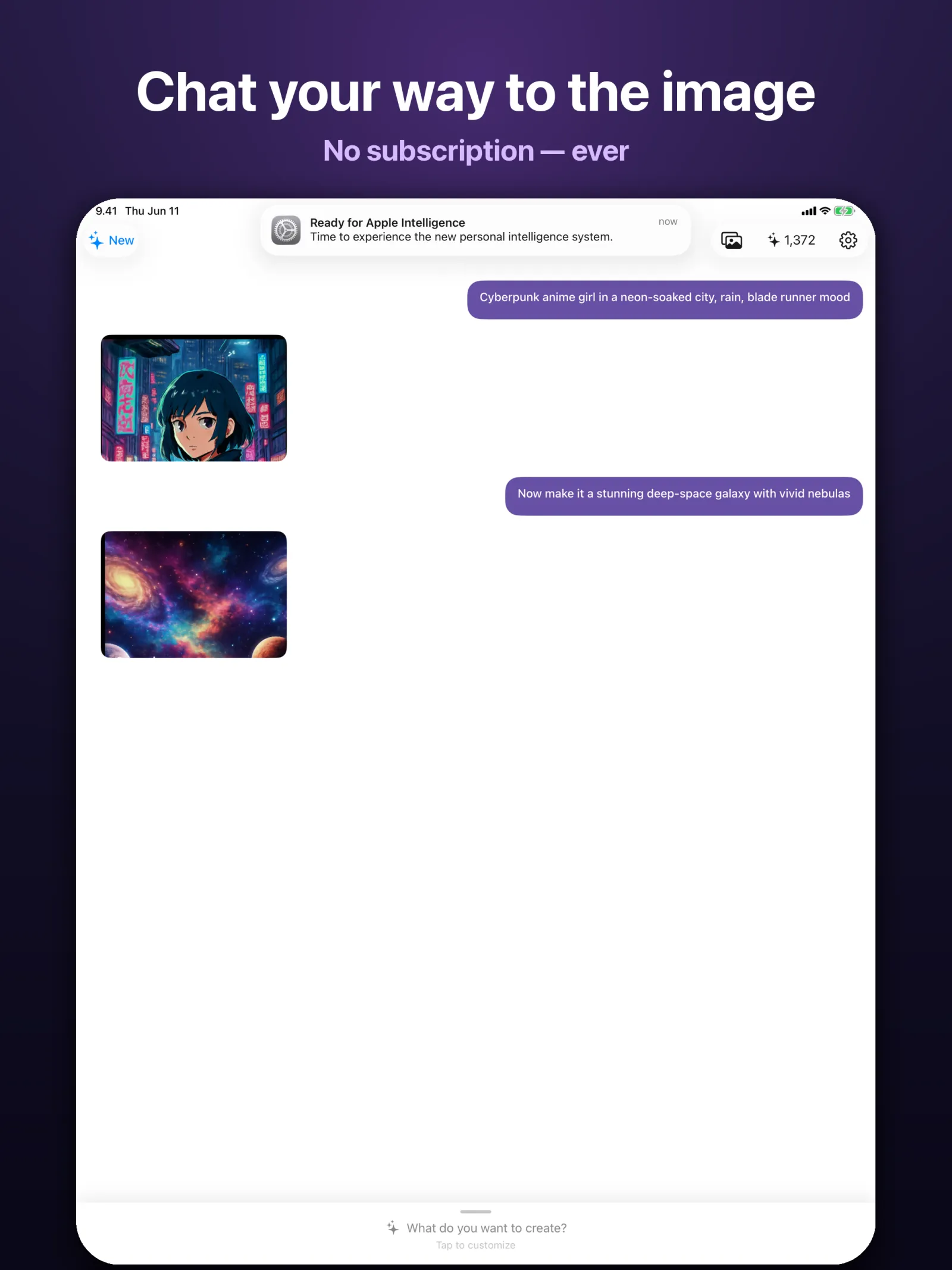
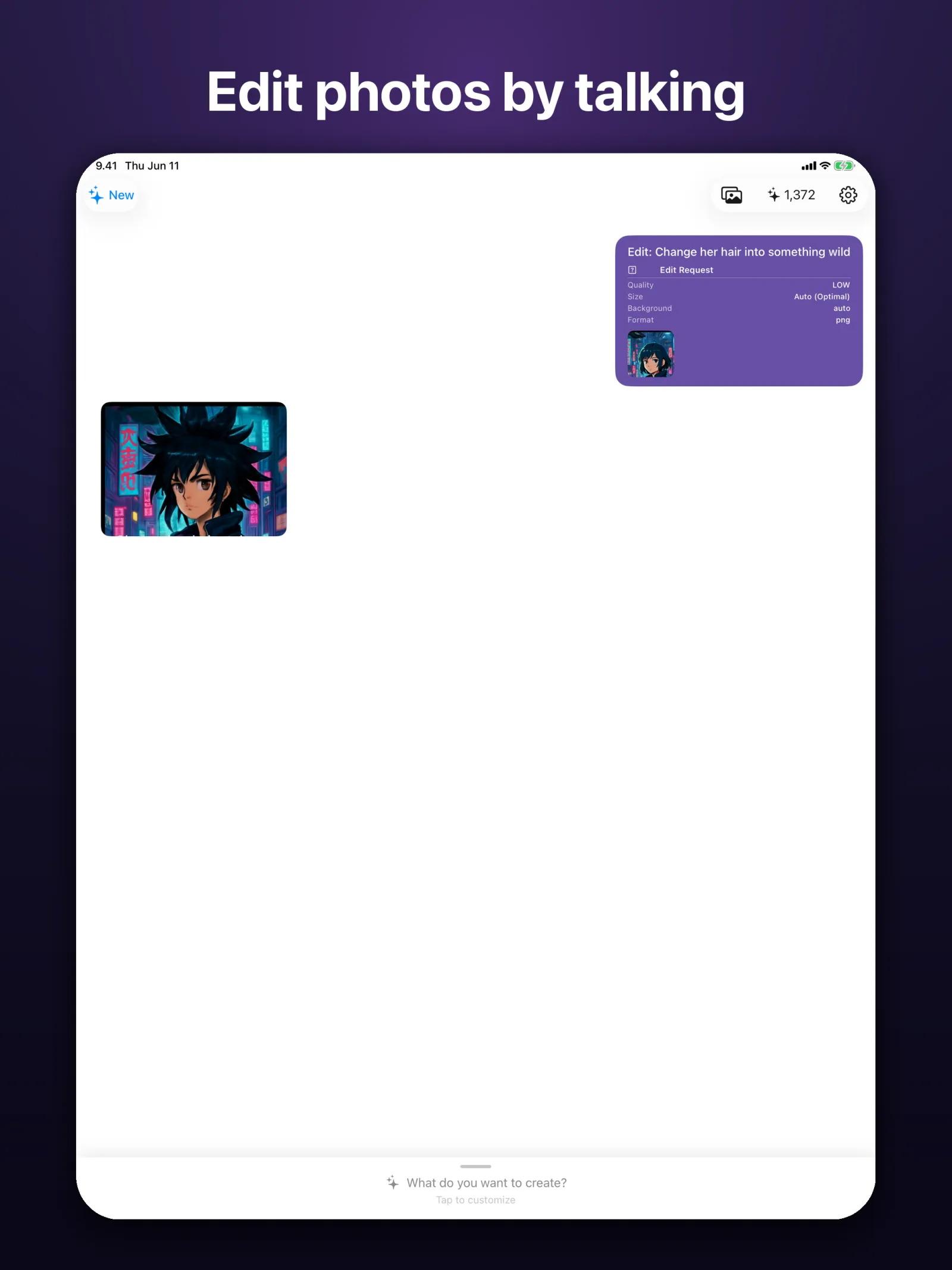
Describe what you want and refine it one message at a time. Attach a photo and edit by talking: change hair, swap backgrounds, restyle anything.
open /Applications/PixiePocket.app

AI Image Maker
Make AI images by chat
Describe what you want, refine it message by message, and watch the image take shape. Pay only for what you make. No subscription, ever.
./pixiepocket --screenshots
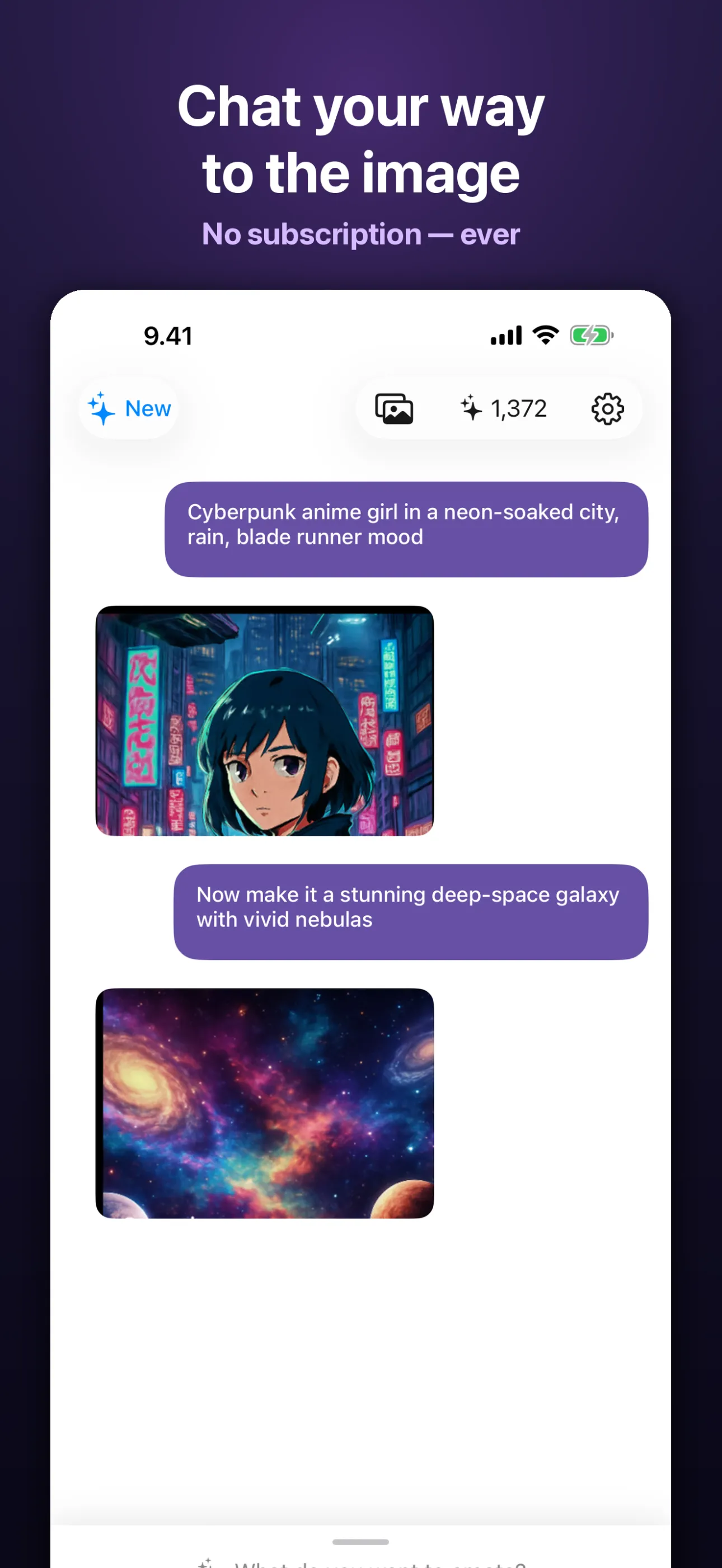
Create an image by chat
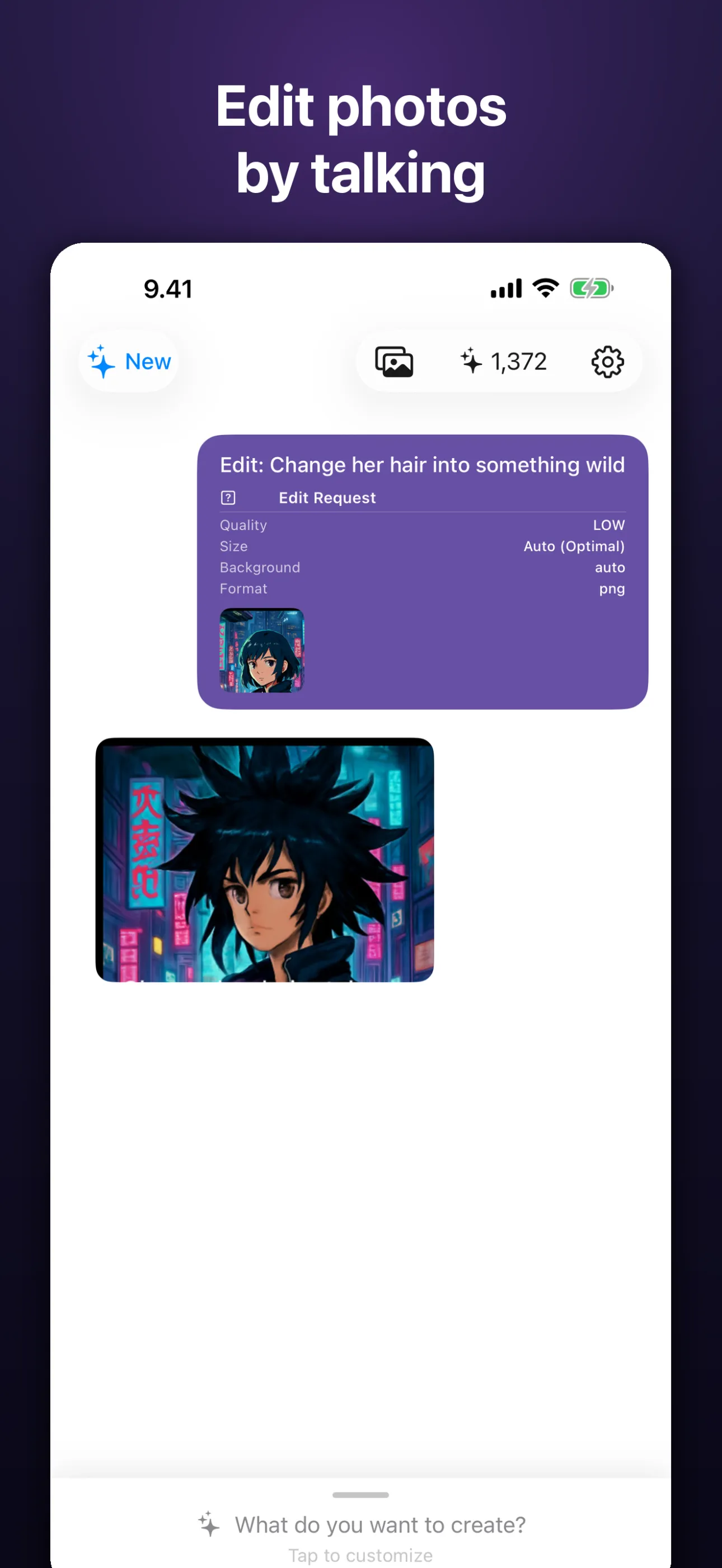
Edit a photo by talking
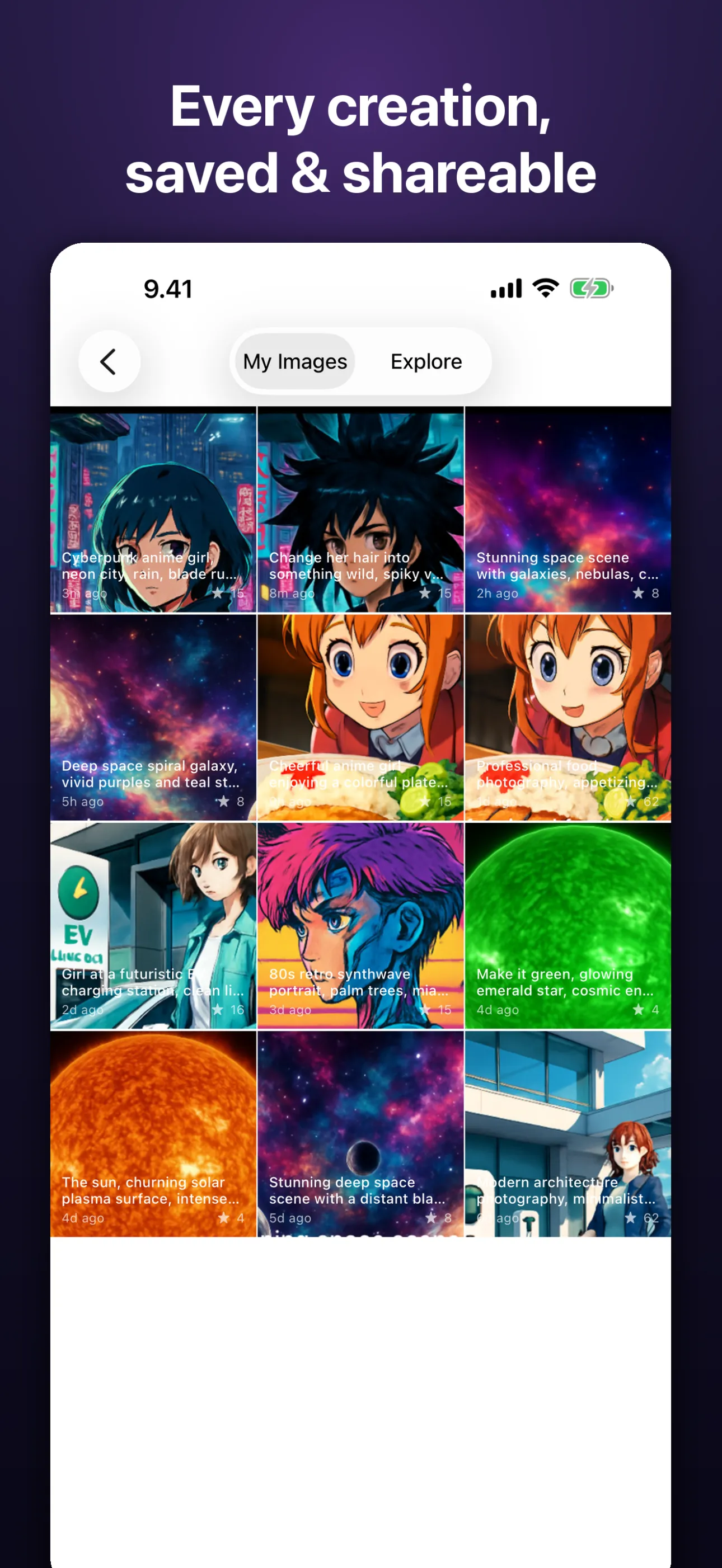
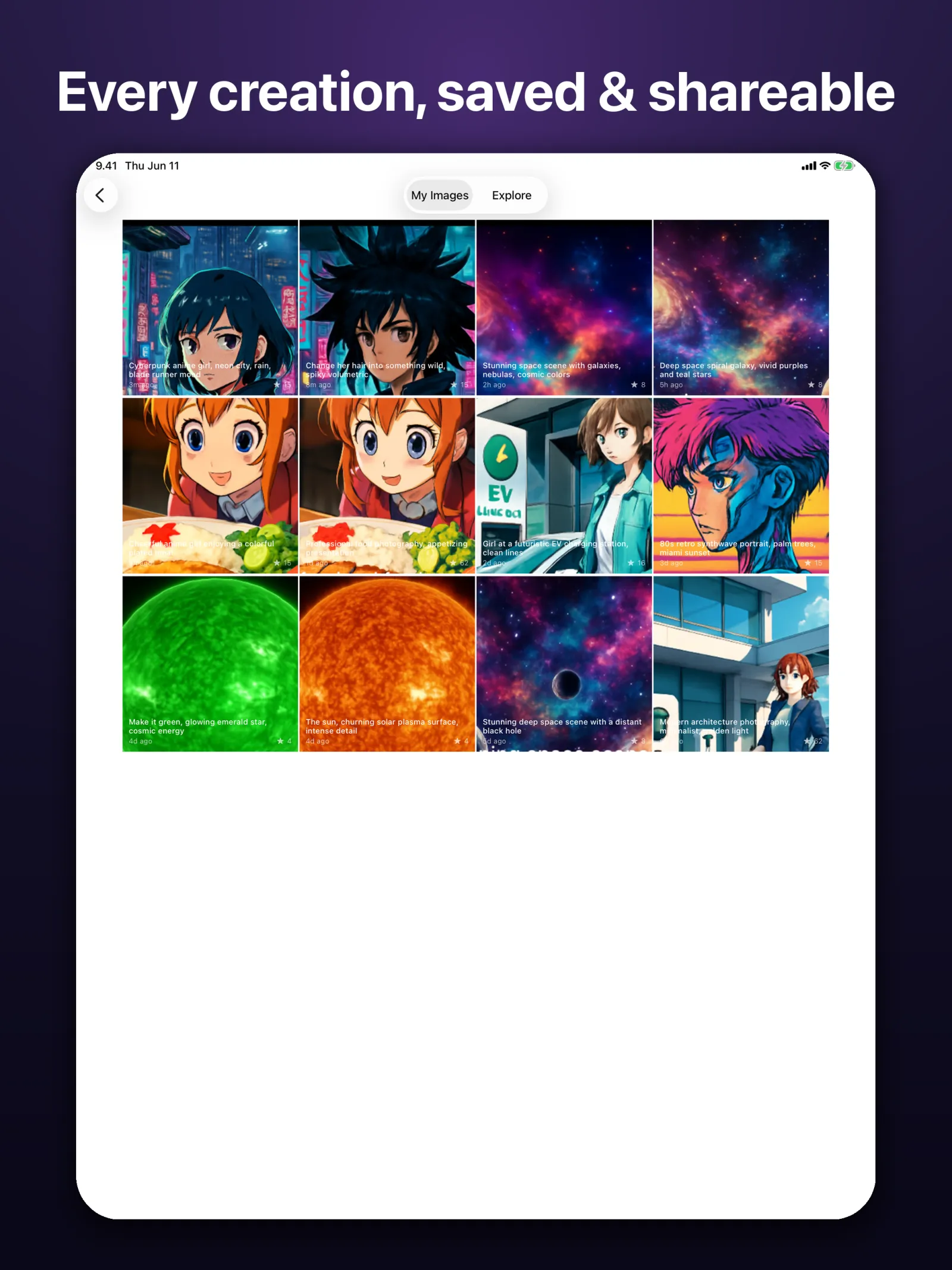
Browse your synced gallery
swipe to see more →
cat pixiepocket/FEATURES.md
Describe what you want, refine it message by message, and watch the image take shape. Pay only for what you make. No subscription, ever.
Describe what you want and refine it one message at a time. Attach a photo and edit by talking: change hair, swap backgrounds, restyle anything.
Generate with Google's Nano Banana (Gemini) and OpenAI's GPT image models. Switch between them without leaving the conversation.
Batch up to 10 images per request, pick Low to High quality, set custom sizes, and export PNG, JPEG, or WebP with transparent backgrounds.
The credit cost shows before you create, and your balance stays in the toolbar. No weekly trap, no renewals, no surprise charges.
Start anonymously, then sign in with Apple, Google, or GitHub to keep your gallery in sync across iPhone and iPad.
Share your work to the public gallery or keep it private. Any image can be reported in one tap and is reviewed.
man pixiepocket
Type what you want in plain words, or attach a photo to edit, and send it like a chat message.
Reply to nudge the result: change the style, fix a detail, or adjust quality and size until it lands.
Save as PNG, JPEG, or WebP, share to the community gallery, or keep it to yourself.
less pixiepocket/README
Pro-grade AI images, created by chat. Pay only for what you make — no subscription, ever.
Every new creator starts with 25 free credits — enough to try Nano Banana image generation the moment the app opens. No sign-up required.
Describe what you want, refine it message by message, and watch your image evolve. Attach a photo and edit it by talking: change hair, swap backgrounds, restyle anything.
PixiePocket generates with Google's Nano Banana (Gemini) and OpenAI's GPT image models — two engines, one chat.
Credits never expire. Buy a pack once and create whenever inspiration strikes — bigger packs carry up to 68% bonus credits. No weekly trap, no renewals, no surprise charges.
• Batch up to 10 images per request
• Low / Medium / High / Auto quality tiers
• Custom sizes, square to widescreen
• PNG, JPEG or WebP output, transparent backgrounds
• Live credit cost shown before you create
Start anonymously, then sign in with Apple, Google, or GitHub to keep your gallery in sync across devices. Share your best work to the public community gallery — or keep it all to yourself.
Your prompts and attached photos are sent to Google Gemini and OpenAI to generate images — you approve this in-app before your first creation and can withdraw consent anytime in Settings. Some prompts may be filtered by content moderation. Images shared to the community gallery can be reported in one tap and are reviewed.
Google, Gemini and Nano Banana are trademarks of Google LLC. This app is not endorsed by or affiliated with Google or OpenAI.
./pixiepocket --faq
No. There are no subscriptions and no renewals. You buy credit packs once and spend them as you create, and credits never expire.
The app is free to download and includes 25 free credits to start. After that you buy credit packs, with bigger packs carrying up to 68% bonus credits. The credit cost is shown before each creation.
PixiePocket generates with Google's Nano Banana (Gemini) and OpenAI's GPT image models. You can use both from the same chat.
Your prompts and attached photos are sent to Google Gemini and OpenAI to generate the images. You approve this in-app before your first creation and can withdraw consent anytime in Settings.
No. You can start anonymously. To sync your gallery across devices, sign in with Apple, Google, or GitHub.
Yes. Attach a photo and edit it by chatting: change hair, swap backgrounds, or restyle the whole image.
PixiePocket runs on iPhone and iPad with iOS 16.6 or later.
You can batch up to 10 images per request, choose Low, Medium, High, or Auto quality, set custom sizes from square to widescreen, and export with transparent backgrounds. Some prompts may be filtered by content moderation.
Free to download with 25 starter credits. You buy credit packs once, bigger packs carry up to 68% bonus credits, and credits never expire — no subscription.
ls ~/apps