Words In, Songs Out
Tell Psywave what you want to hear — "drum and bass intensity" or "focus for deep work" — and it builds a tracklist around that exact mood.
open /Applications/Psywave.app

AI Playlist Maker
Describe a mood. Get a real playlist.
Type a vibe or pick a photo, and Psywave builds a 25-song Apple Music playlist of real tracks in seconds. One tap to import. No more endless scrolling.
./psywave --screenshots
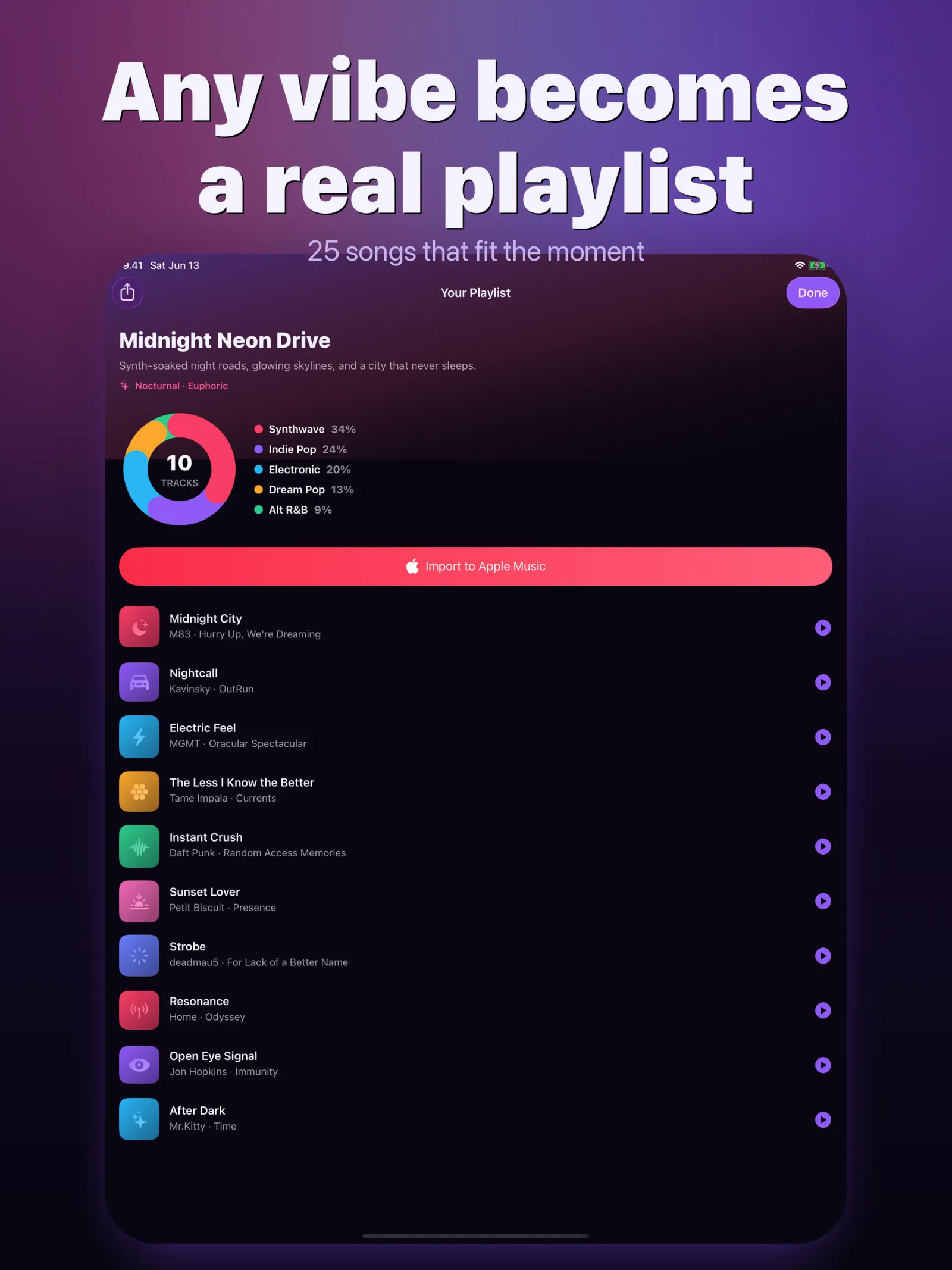
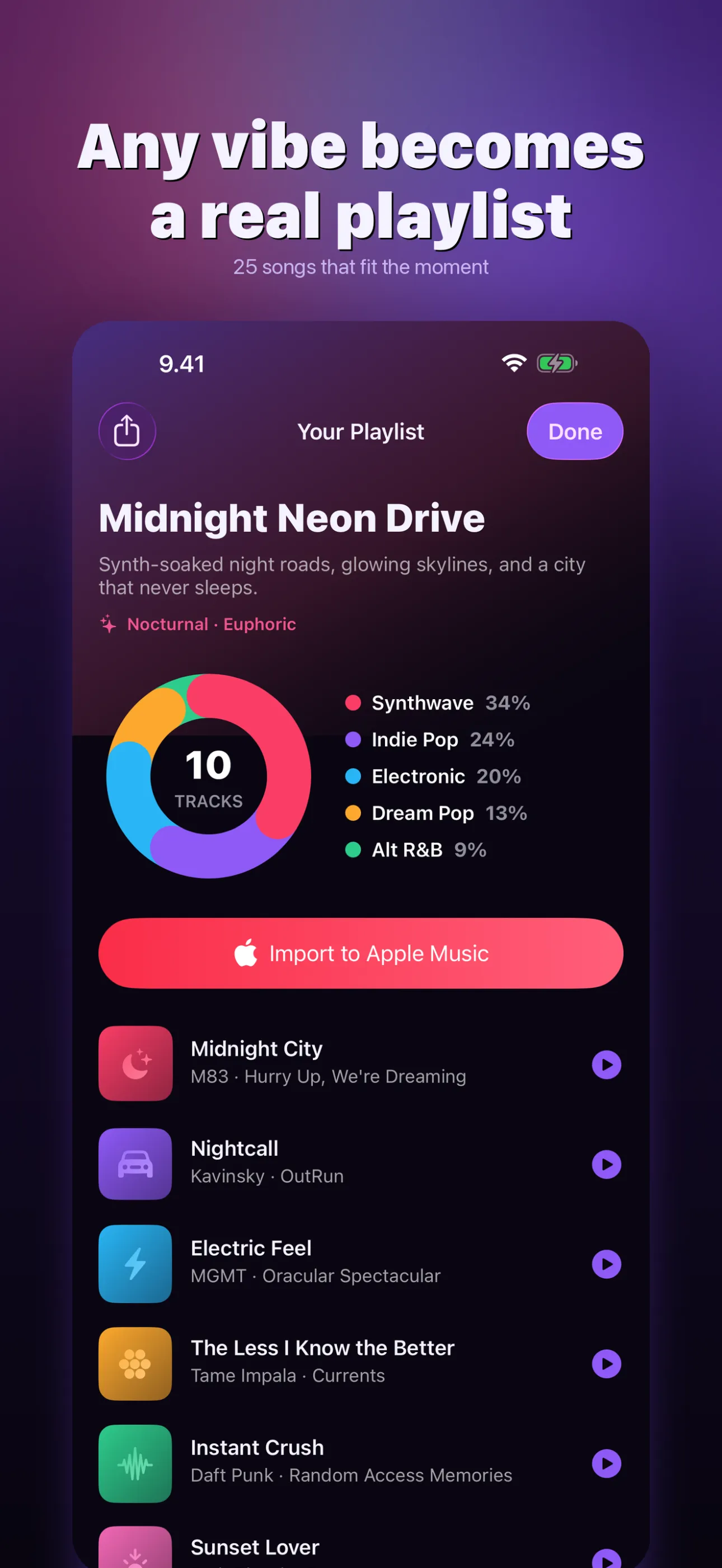
A finished playlist of real songs
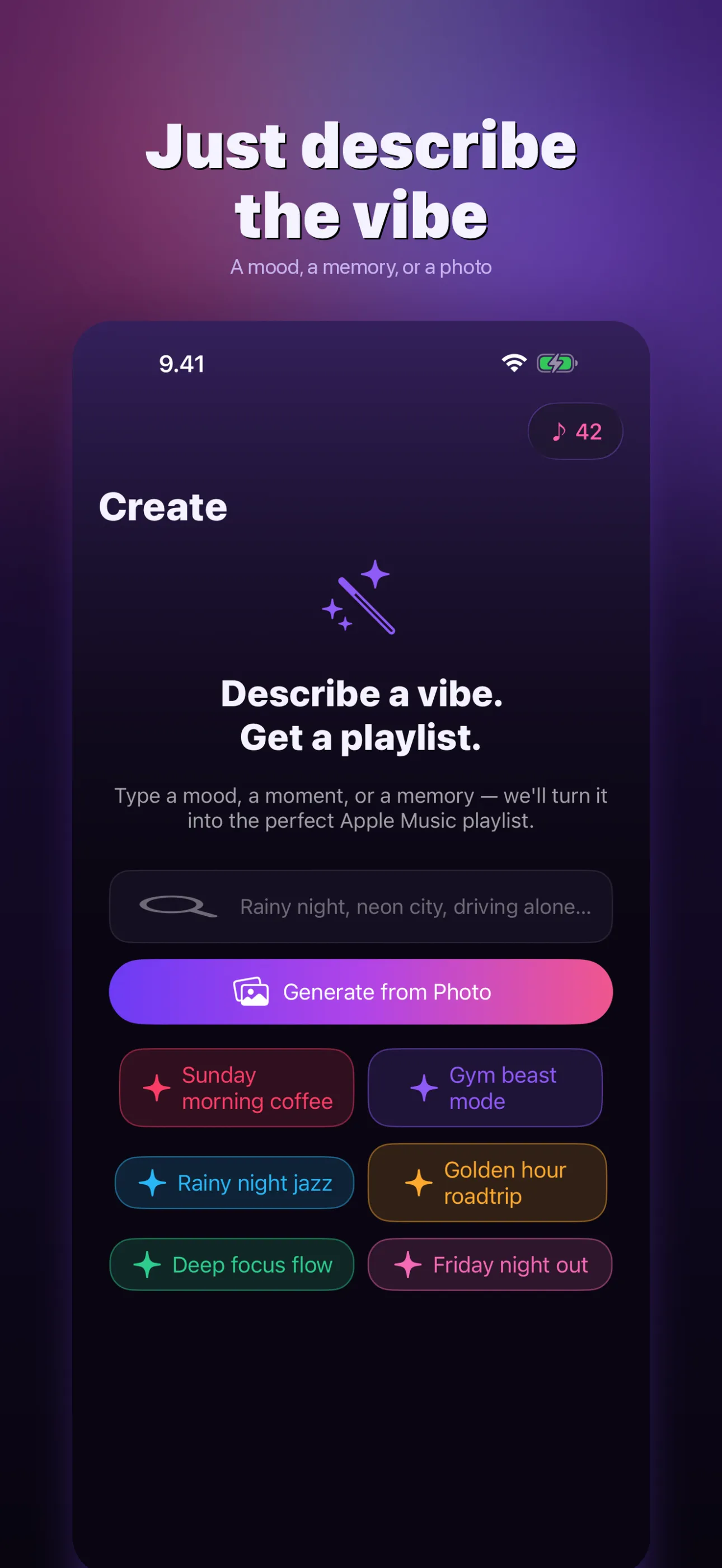
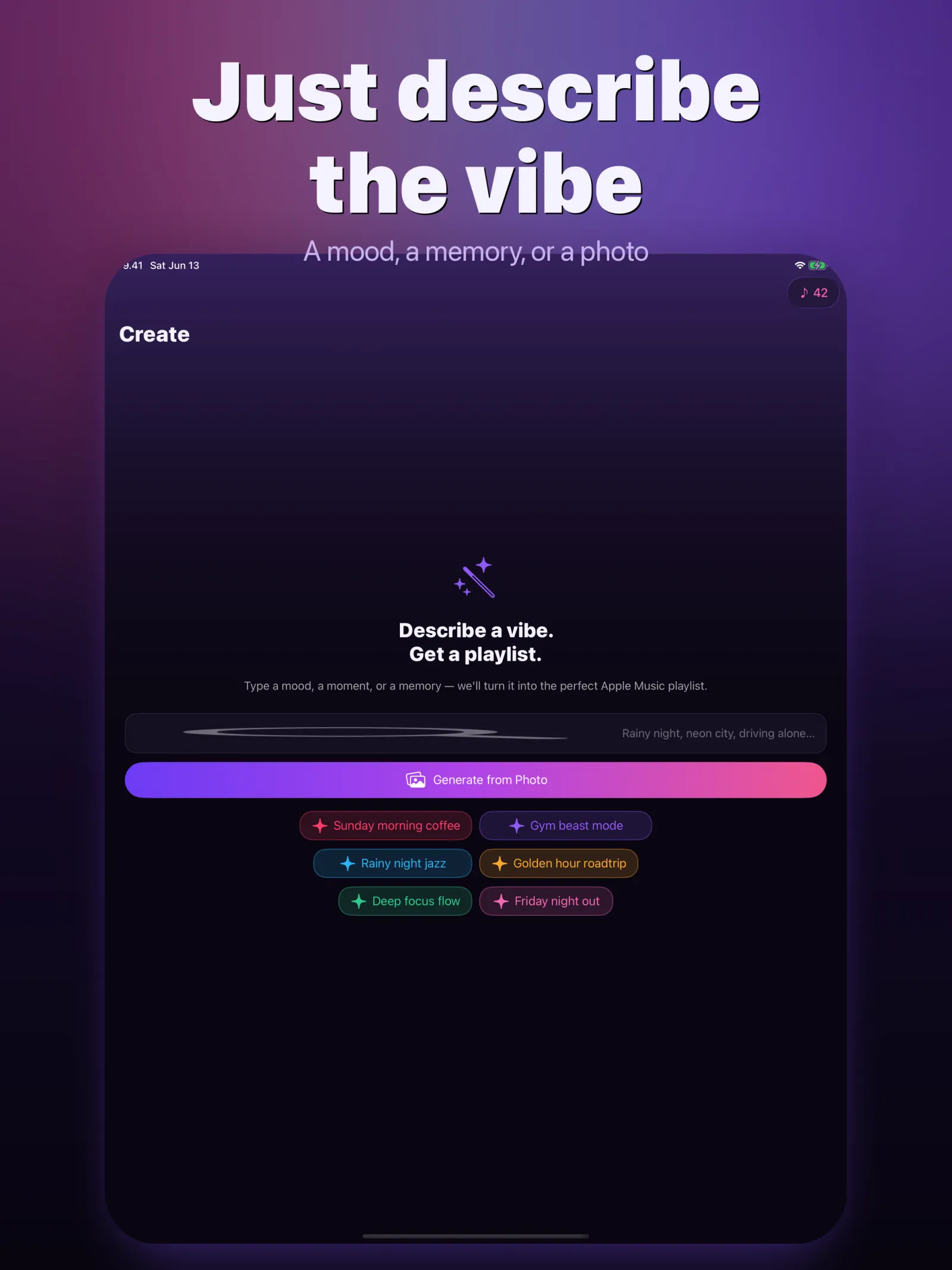
Describe a mood or pick a photo
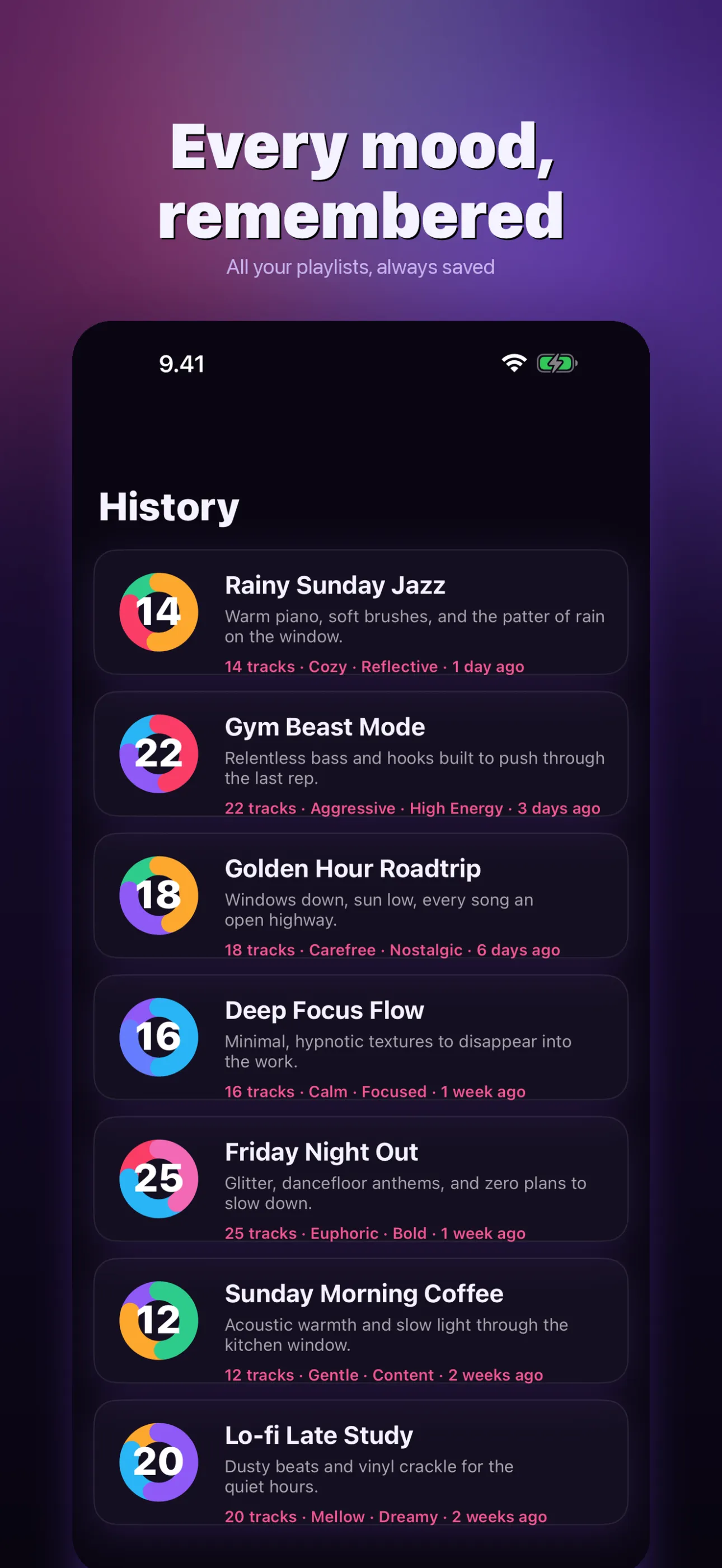
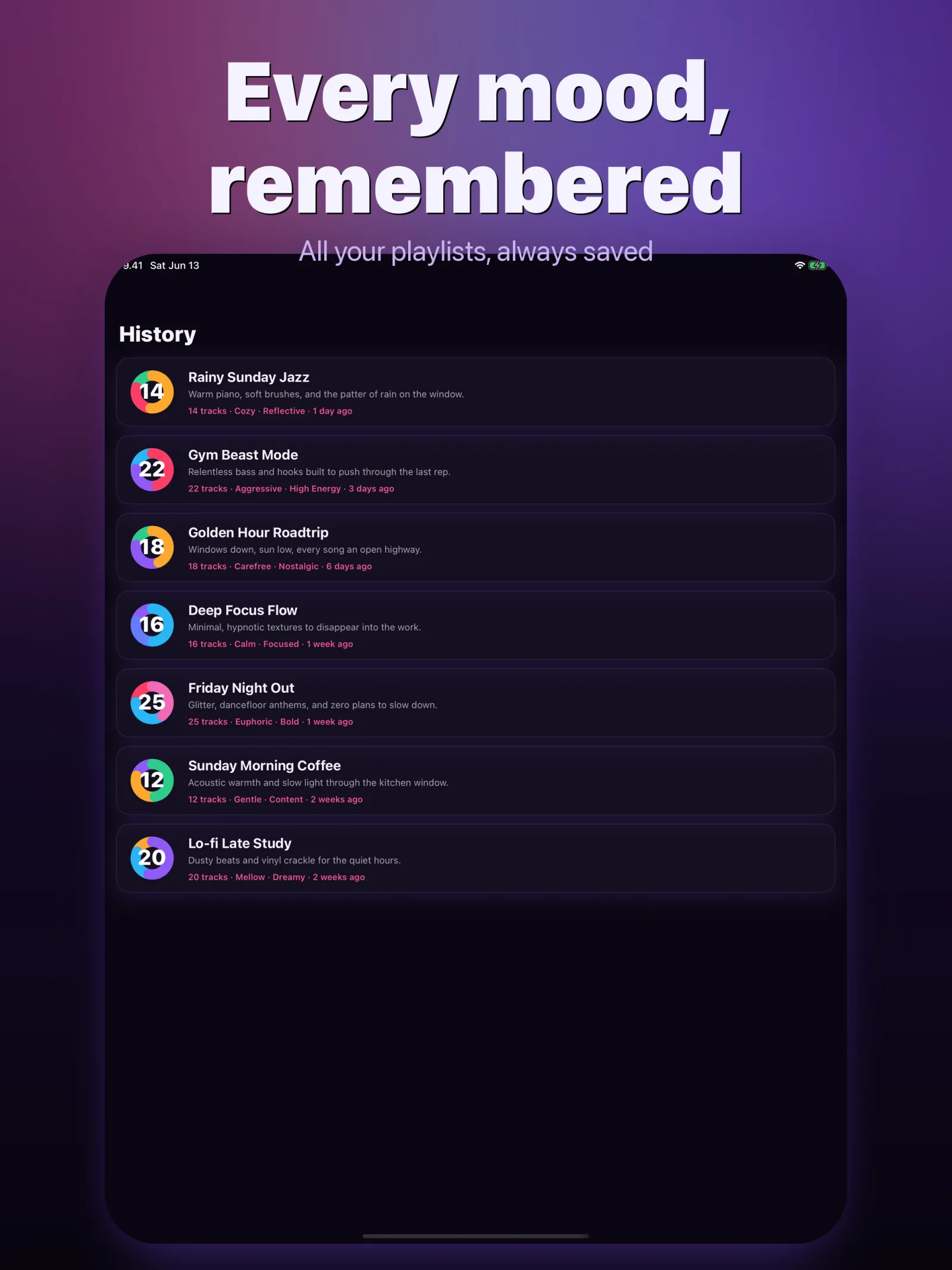
Every playlist you've made, saved
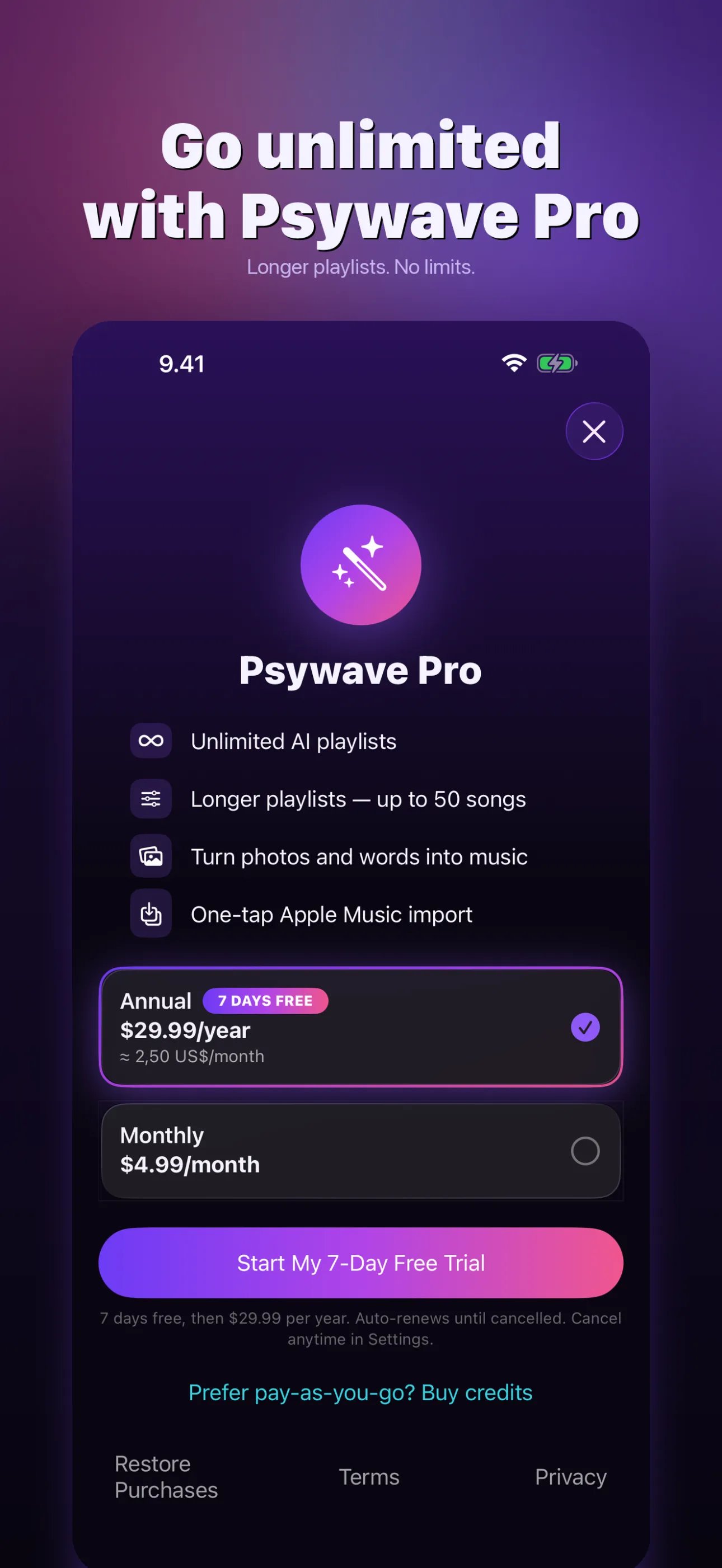
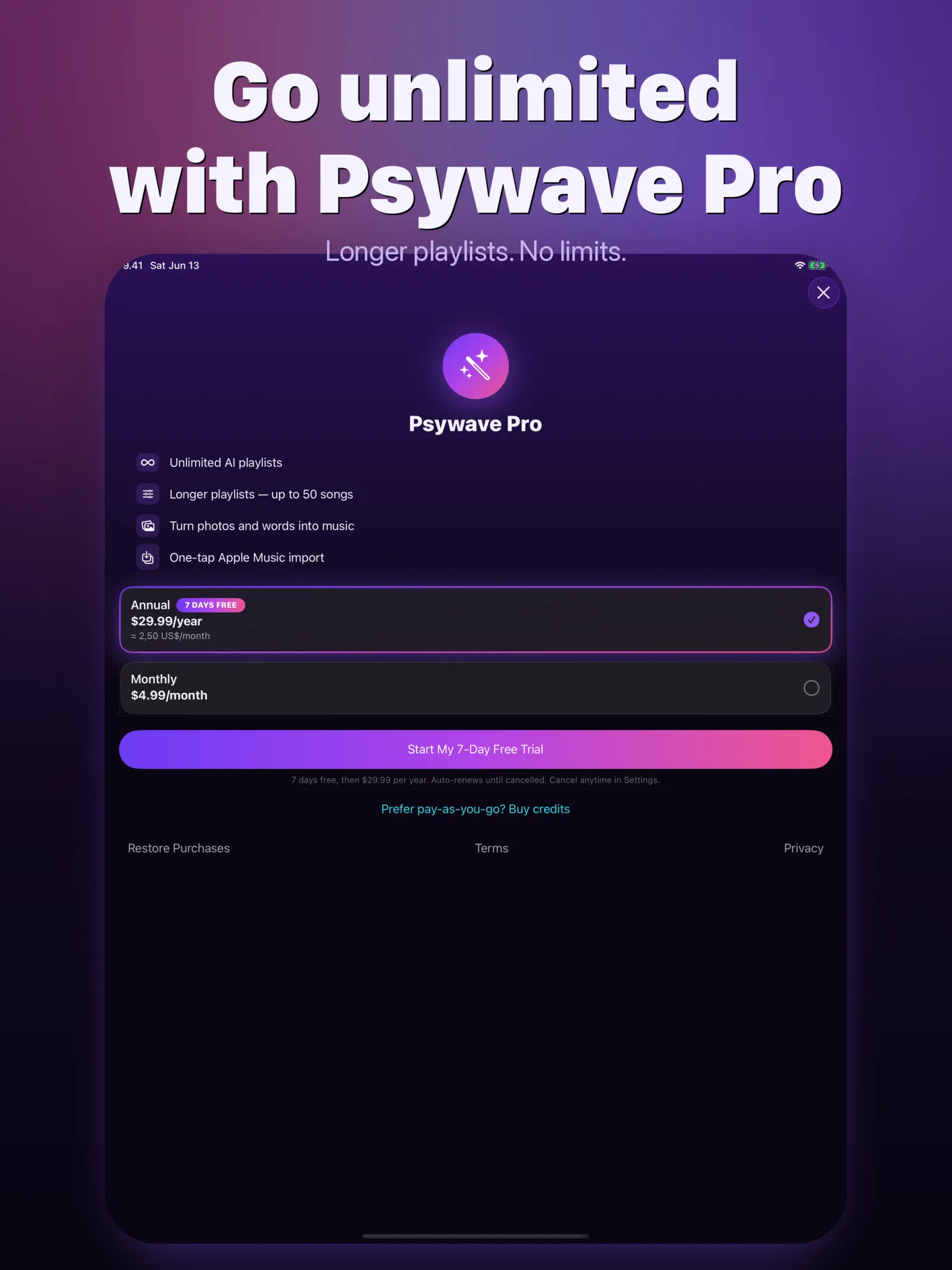
Unlimited playlists or credit packs
swipe to see more →
cat psywave/FEATURES.md
Type a vibe or pick a photo, and Psywave builds a 25-song Apple Music playlist of real tracks in seconds. One tap to import. No more endless scrolling.
Tell Psywave what you want to hear — "drum and bass intensity" or "focus for deep work" — and it builds a tracklist around that exact mood.
Point Psywave at a sunset, a road trip, or a rainy window. It reads the mood and colors, then scores the moment with real tracks.
Every playlist comes with a genre breakdown chart, so you can see what your vibe is made of before you import it.
Remix any playlist into a fresh set, or add 10 more songs with one tap when you want the night to keep going.
Every playlist you generate is saved. Re-import any of them to Apple Music whenever the mood comes back around.
Share a playlist, copy the track list, or send a CSV that moves into Spotify, YouTube Music, TIDAL, or Deezer through Soundiiz or TuneMyMusic.
man psywave
Type a mood, a scene, or a feeling in one line — or pick a photo from your library.
Psywave builds a 25-song playlist of real Apple Music tracks and shows you the genre breakdown.
Tap once to drop the playlist into your Apple Music library and press play.
less psywave/README
Describe a mood in one line — or pick a photo — and get a real Apple Music playlist in seconds.
Psywave turns plain words and pictures into soundtracks that fit. Type a vibe, a scene, or a feeling — "drum and bass intensity," "smooth sailing yacht rock," "focus for deep work" — and a curated playlist of real songs lands in your Apple Music library with one tap. No endless scrolling. No stale stations.
Tell Psywave what you want to hear and it builds a tailored tracklist around your exact mood, then imports it straight into Apple Music.
Point Psywave at a sunset, a road trip, a rainy window — it reads the mood, the colors, the feeling, and scores the moment with real songs.
Every playlist comes with a genre breakdown chart, so you can see exactly what your vibe is made of.
• Workout — high-energy sets in seconds
• Focus & deep work — distraction-free flow
• Party & hosting — read the room, set the vibe
• Wind down — the right closer for a slow night
Every playlist you generate is saved. Re-import any of them to Apple Music whenever the mood comes back.
Start with 3 free playlists. Then choose Psywave Pro for unlimited playlists (with a 7-day free trial on the annual plan), or grab a credit pack and only pay for what you make. Credits never expire.
Psywave requires an Apple Music subscription to import playlists.
Privacy policy: https://openai-image-proxy.guitaripod.workers.dev/privacy/psywave
Terms of use: https://www.apple.com/legal/internet-services/itunes/dev/stdeula/
./psywave --faq
You start with 3 free playlists. After that, choose Psywave Pro for unlimited playlists, or buy a credit pack and pay only for what you make. Credits never expire.
Yes. The annual Psywave Pro plan includes a 7-day free trial. You can also try the app first with your 3 free playlists before paying anything.
Yes. Psywave imports playlists directly into Apple Music, so an active Apple Music subscription is required to save and play them.
Pro is a subscription for unlimited playlists plus longer mixes of up to 50 songs. Credit packs are one-time and pay-as-you-go: each playlist costs one credit, and credits never expire.
Pick any photo and Psywave reads its mood, colors, and feeling, then builds a playlist of real songs that matches the scene.
Yes. Psywave exports a playlist as a CSV that imports into Spotify, YouTube Music, TIDAL, and Deezer through Soundiiz or TuneMyMusic, and you can also share or copy the track list directly.
Psywave runs on iPhone and iPad and requires iOS 17 or later.
Manage or cancel Psywave Pro anytime in your Apple ID subscription settings. The paywall is always dismissible, and your saved playlists stay available.
Free to start with 3 playlists, then either a Psywave Pro subscription for unlimited mixes (7-day trial on the annual plan) or one-time credit packs that never expire.
ls ~/apps