Five one-click actions
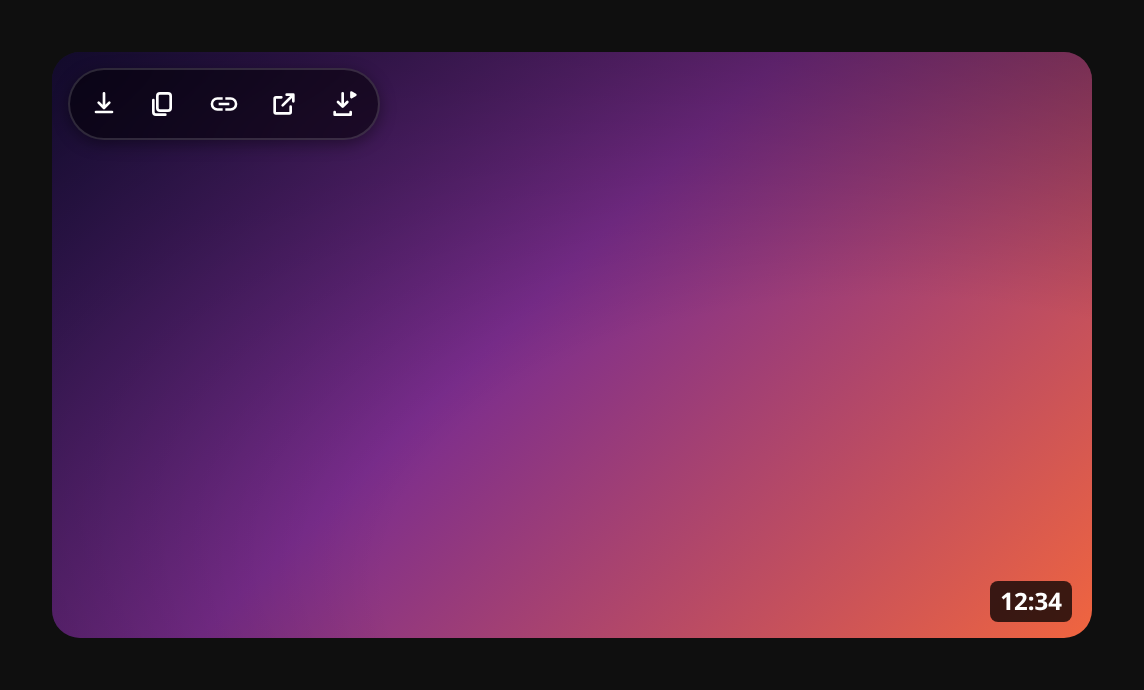
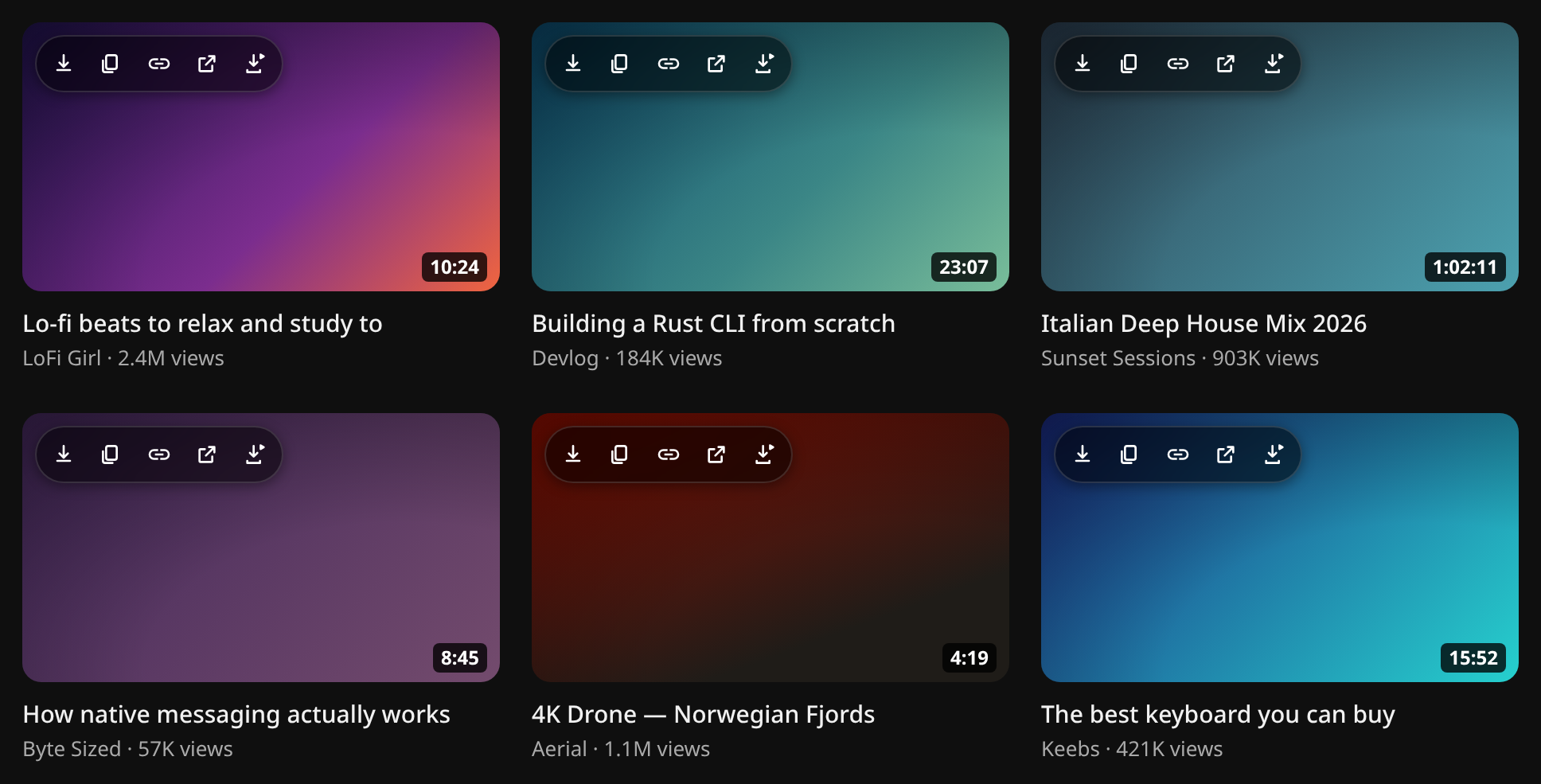
A frosted pill on every thumbnail: save the image, copy the bitmap, copy its link, open full size — and download the video. Styled to match YouTube’s own overlay chips, revealed on hover.
hover a thumbnail → yoink it
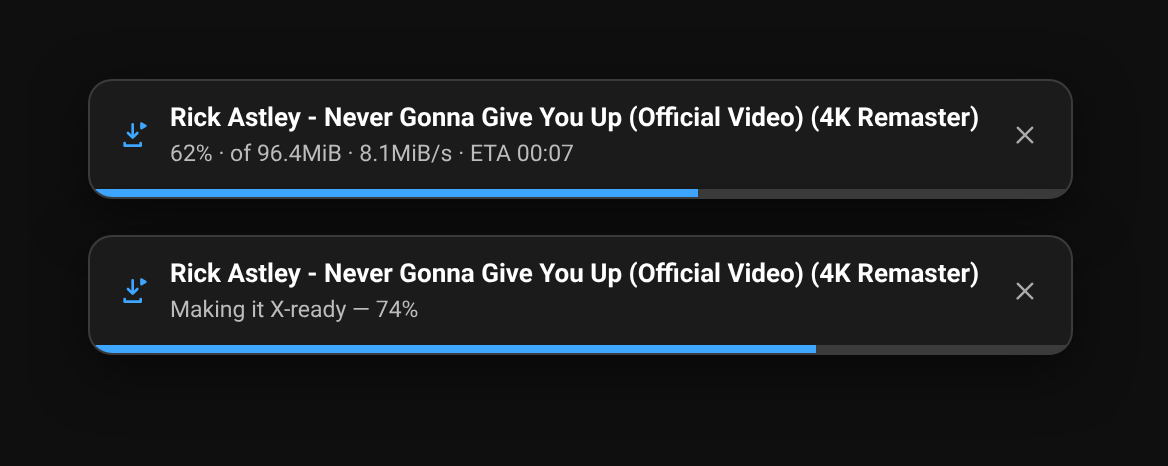
A subtle, YouTube-native toolbar on every thumbnail. Save the full-res image in one click — or download the whole video at up to 4K with yt-dlp, with a live progress bar, finished X-ready so it posts straight to x.com. Open source, fully local, no account.
install (unpacked)
# 1. download the latest release zip and unzip it
#    github.com/guitaripod/yoink/releases
# 2. chrome://extensions → Developer mode → Load unpacked → pick the yoink/ folder

# optional — enable video downloads (everything else works without this):
brew install yt-dlp ffmpeg          # or your package manager / winget
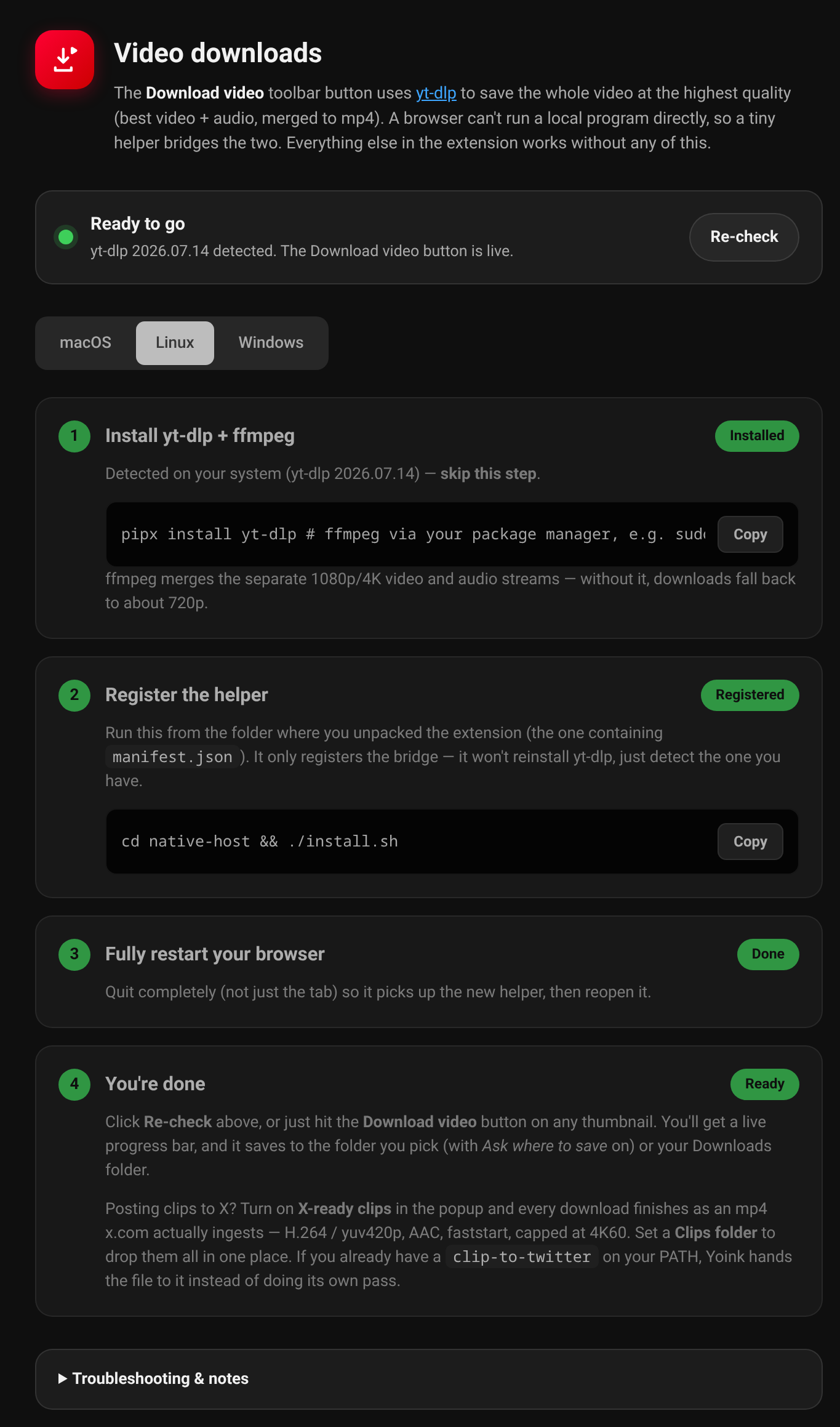
cd yoink/native-host && ./install.sh
# then fully restart your browserA frosted pill on every thumbnail: save the image, copy the bitmap, copy its link, open full size — and download the video. Styled to match YouTube’s own overlay chips, revealed on hover.
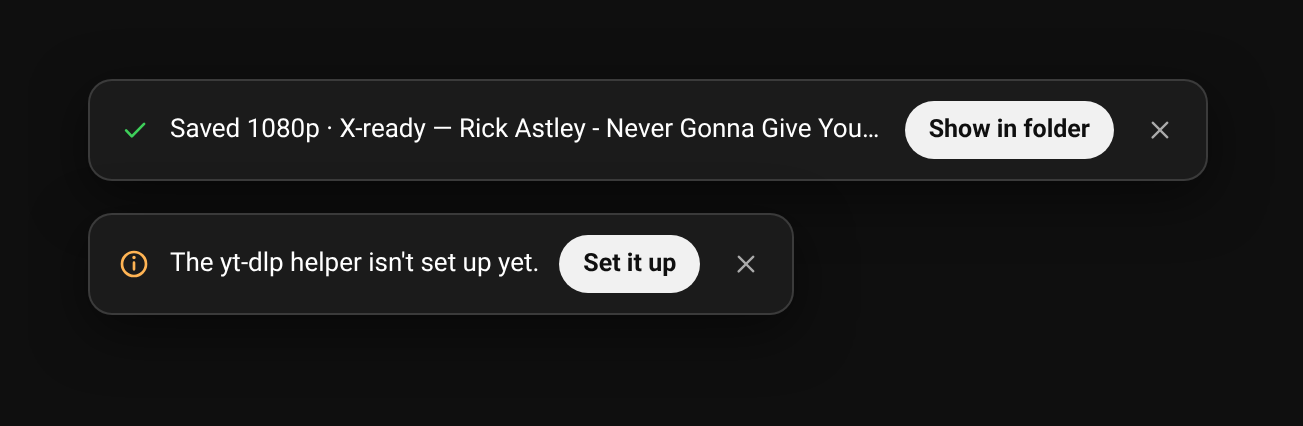
The fifth button hands the video to a local yt-dlp: best video + best audio merged to an mp4, streamed back to the toolbar with a live progress bar you can cancel, then a Show in folder when it lands.
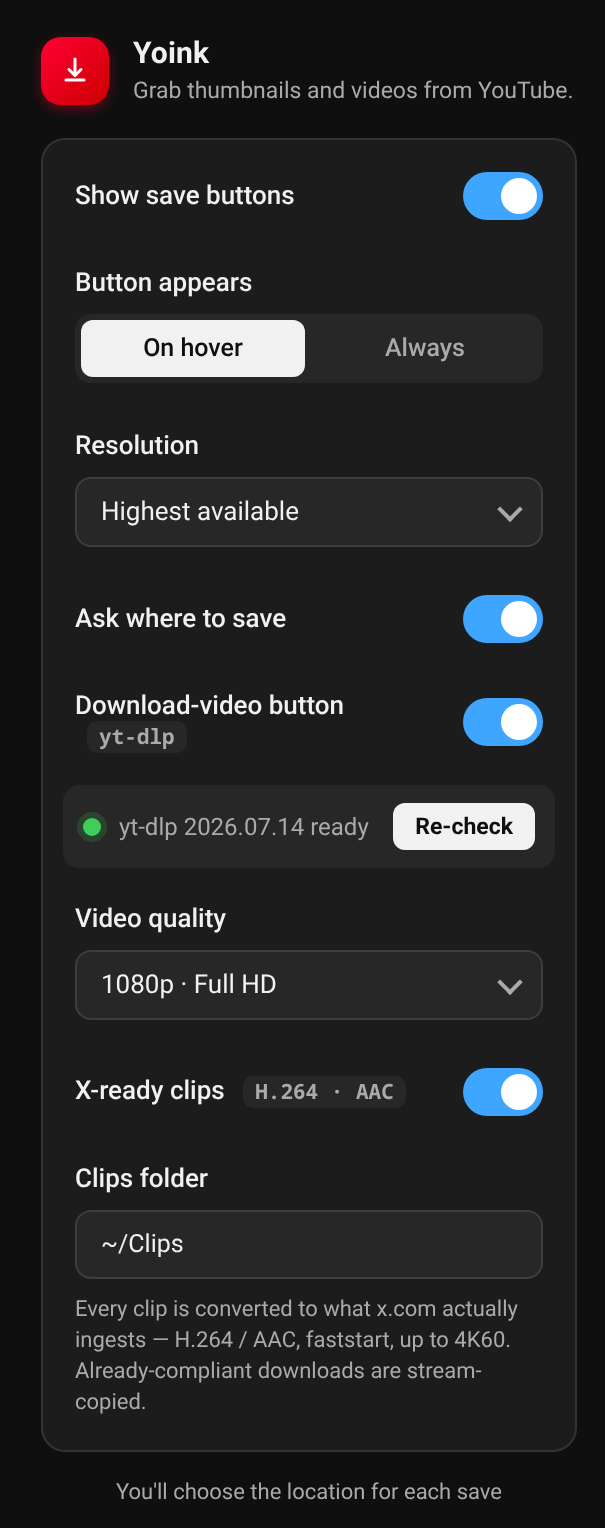
1080p by default, up to 4K, or audio-only (m4a). “Ask where to save” pops a native folder chooser; otherwise it drops straight into your Downloads folder.
x.com ingests H.264 in yuv420p with AAC and nothing else — hand it YouTube’s AV1 or Opus and the upload is accepted, then fails. Yoink asks yt-dlp for an H.264 rendition, then checks the finished file and stream-copies it when it already complies, or re-encodes once when it doesn’t. Drop it straight into the composer.
Everything runs locally. No account, no servers, no analytics. The video helper is a tiny native-messaging bridge to yt-dlp on your own machine. GPL-3.0, source on GitHub.
Home, search, subscriptions, channels, the watch-page sidebar, and Shorts — anywhere a video shows up. Works on Chrome, Chromium, Edge, Brave, and Vivaldi.
The four core actions need nothing extra. The video button walks you through a one-time helper setup with a live status page that adapts to whatever you already have installed.
Not yet — grab the latest release zip, unzip it, and Load unpacked from chrome://extensions. It works on Chrome, Chromium, Edge, Brave, and Vivaldi.
No. Save image, copy image, copy image link, and open full size work the moment you install it. Only the optional video download uses a local helper.
A browser can’t run a local program directly, so a tiny native-messaging bridge lets Yoink talk to yt-dlp on your machine. Nothing leaves your computer, and the extension guides you through the one-time setup.
Up to 4K — best video and audio merged to mp4 — down to 480p, or audio-only (m4a). 1080p is the default. Merging 1080p/4K needs ffmpeg installed alongside yt-dlp.
Because YouTube serves AV1 video and Opus audio, and x.com only processes H.264 in yuv420p with AAC — it accepts the upload and then fails it. Yoink handles this for you: X-ready clips is on by default, so every download comes out as an mp4 X takes. Compliant files are stream-copied in seconds; anything else is re-encoded once, at up to 4K60.
Completely. Yoink is open source (GPL-3.0) and fully local: no account, no servers, no analytics. Thumbnails and videos go straight to your disk.
Yes — anywhere YouTube shows a video, including Shorts, the watch-page sidebar, and channel pages.