Your Library, Organized
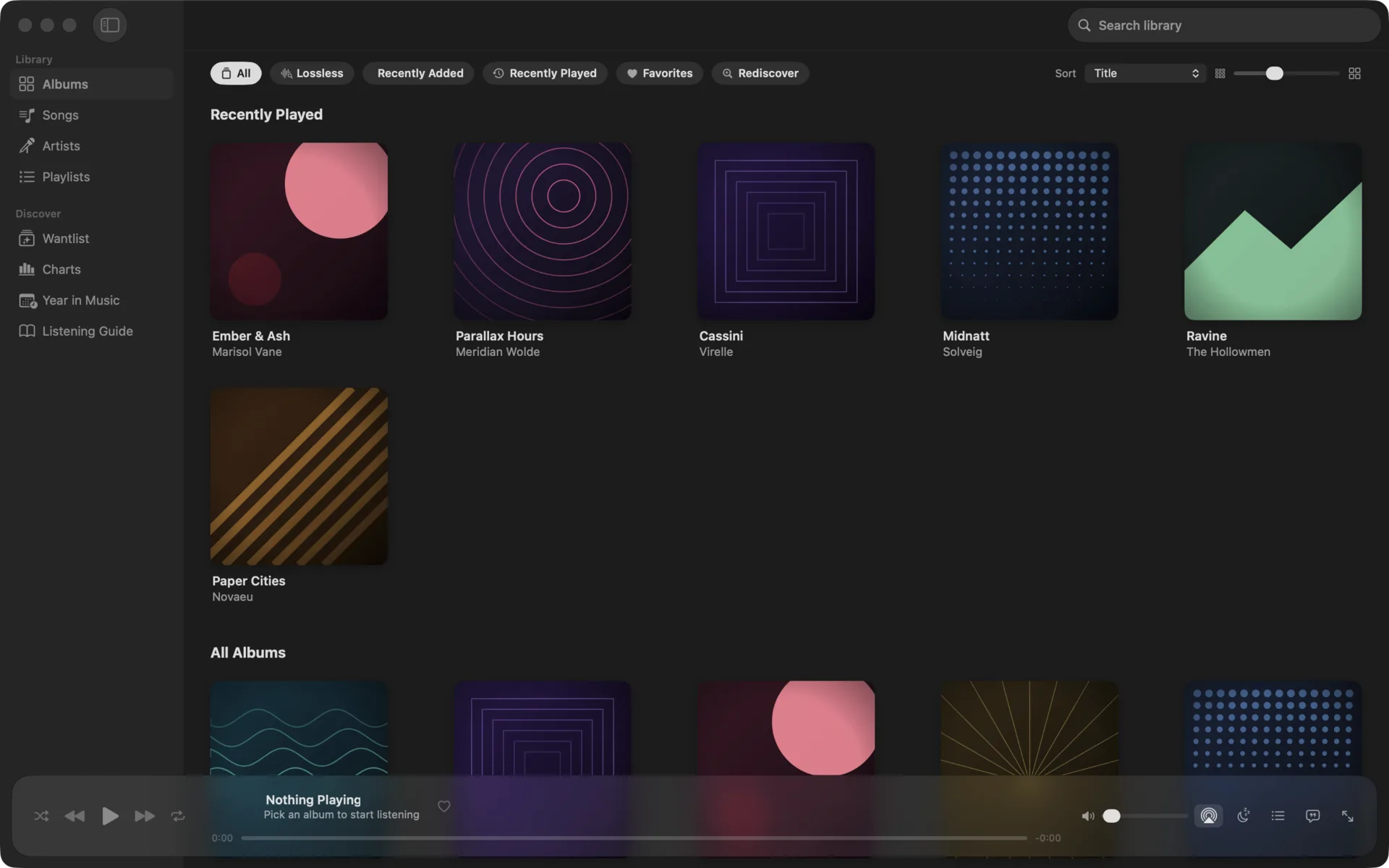
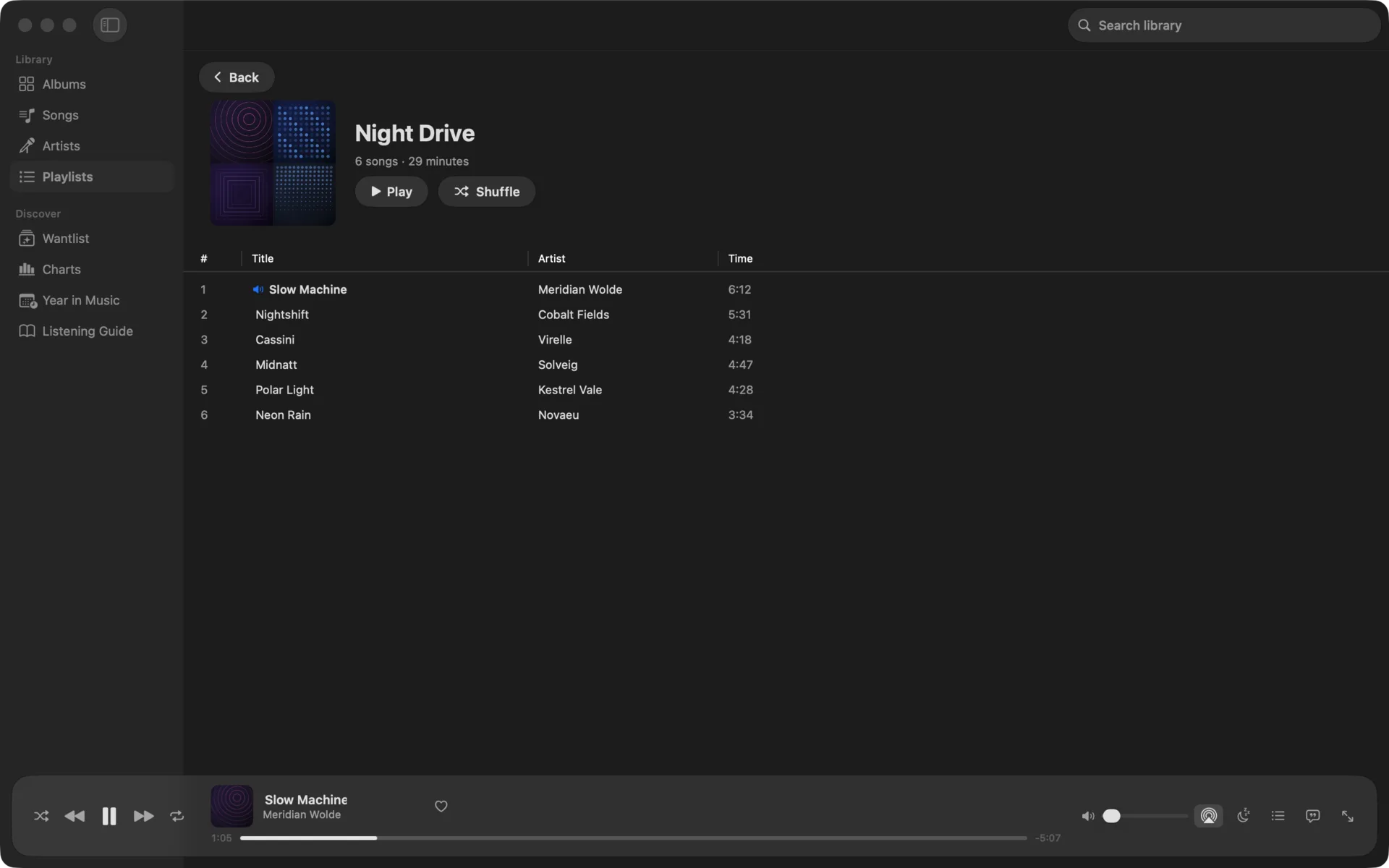
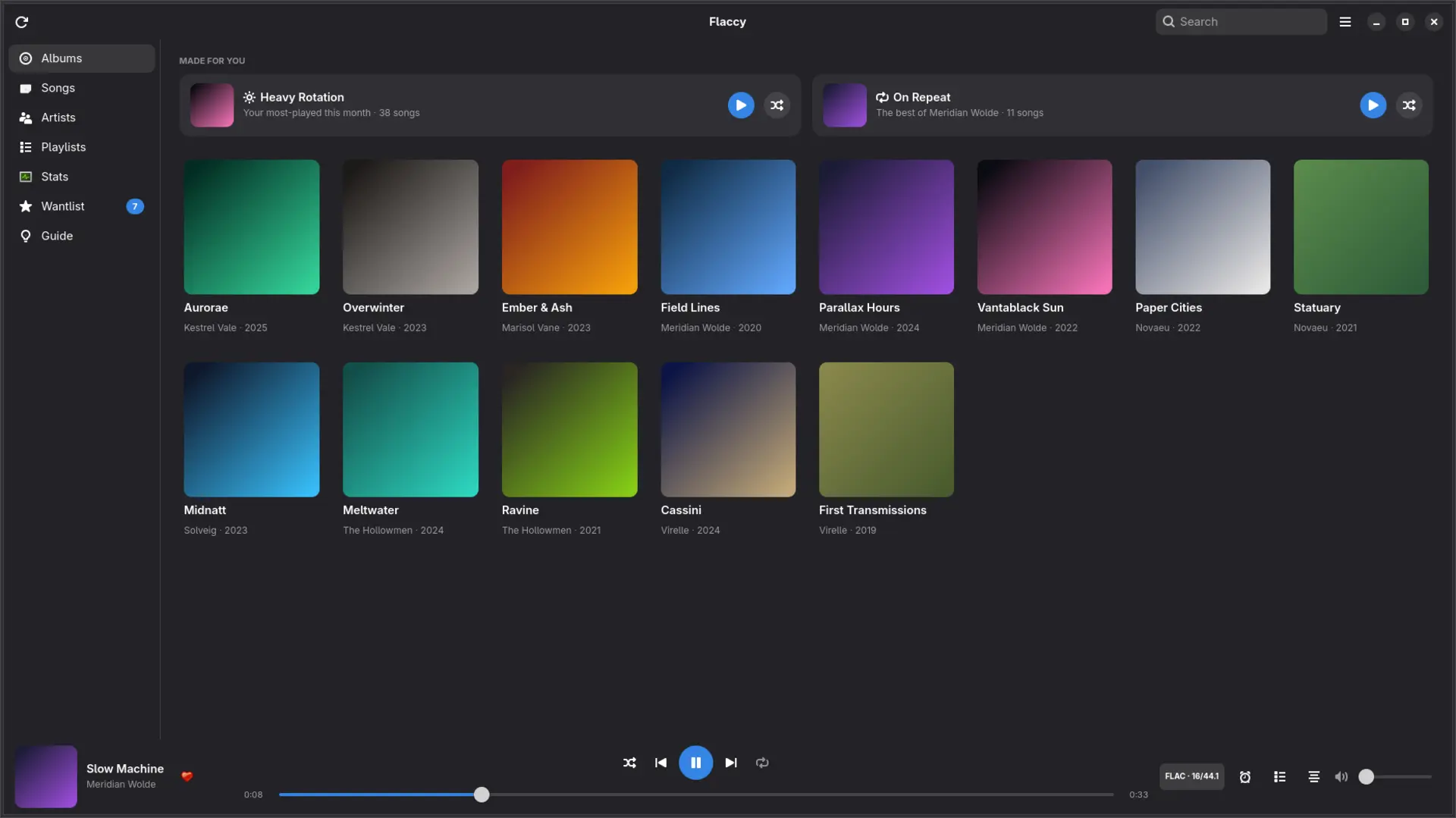
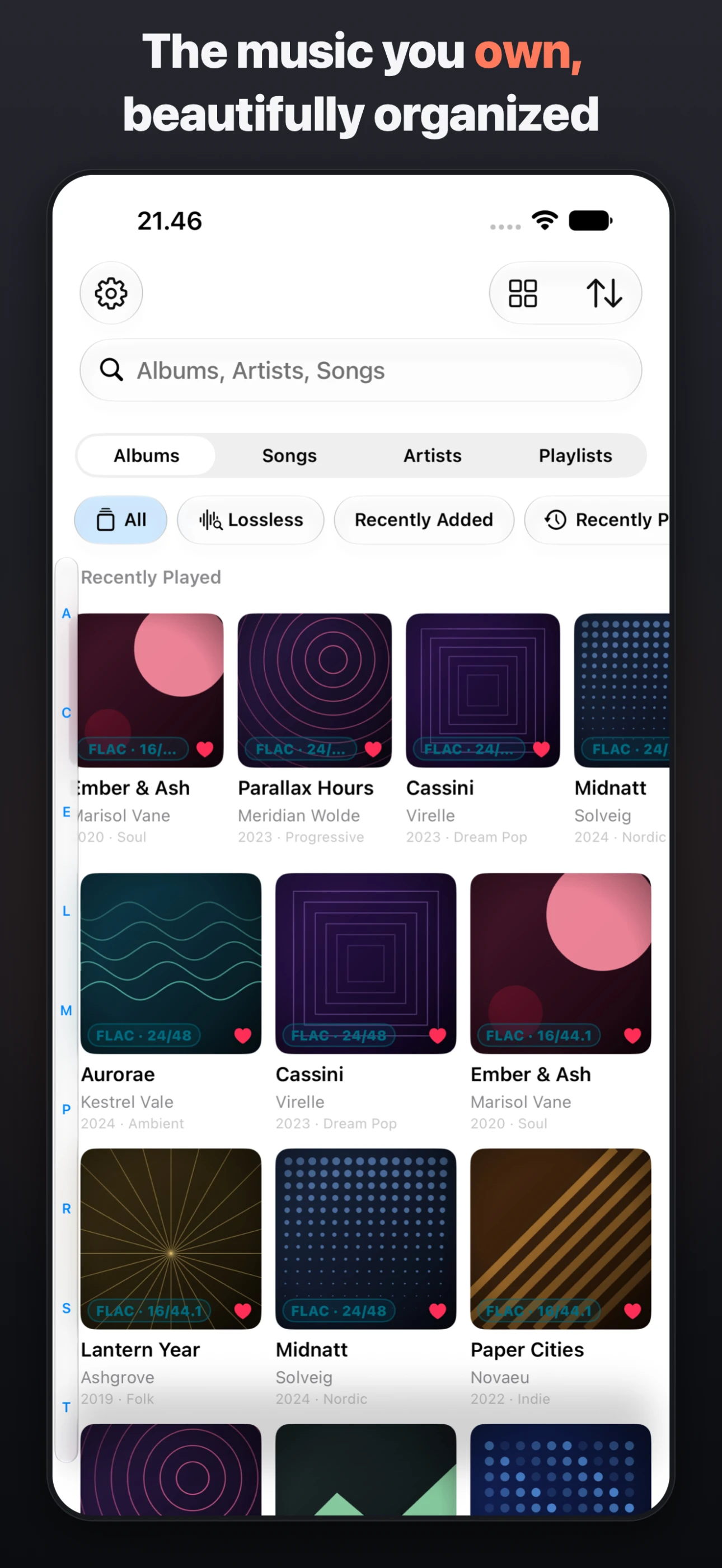
Albums, artists, songs, and playlists with search, sorting, and stunning artwork. Scene releases and messy folder names are identified and cleaned up automatically on import.
open /Applications/Flaccy.app
Music
A beautiful home for the music you own
Drop in your FLAC, ALAC, AAC, or MP3 files and Flaccy turns them into a fast, gorgeous library — gapless playback, synced lyrics, and Last.fm scrobbling on iPhone, Apple Watch, Mac, and Linux. No streaming subscription, no upload, no account.
./flaccy --screenshots
Library
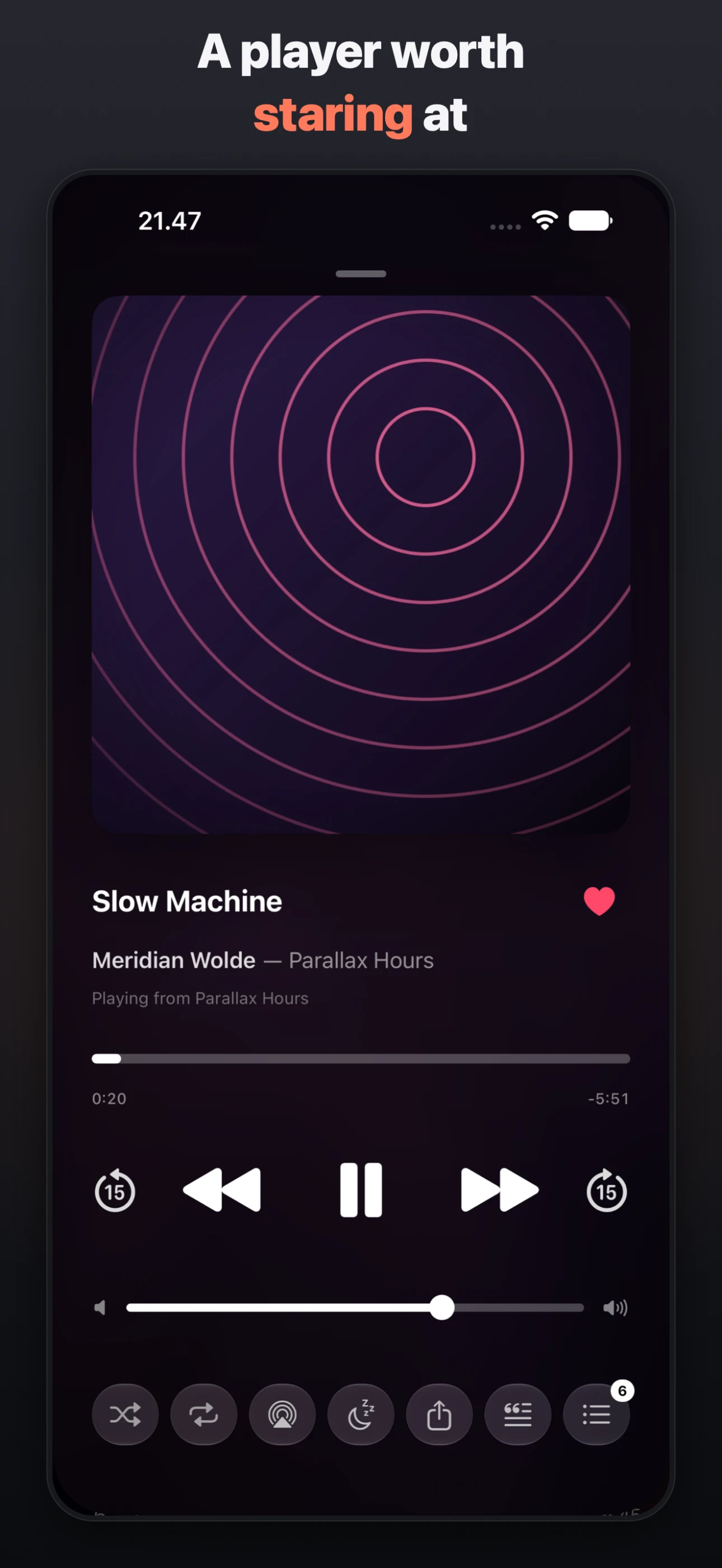
Now Playing
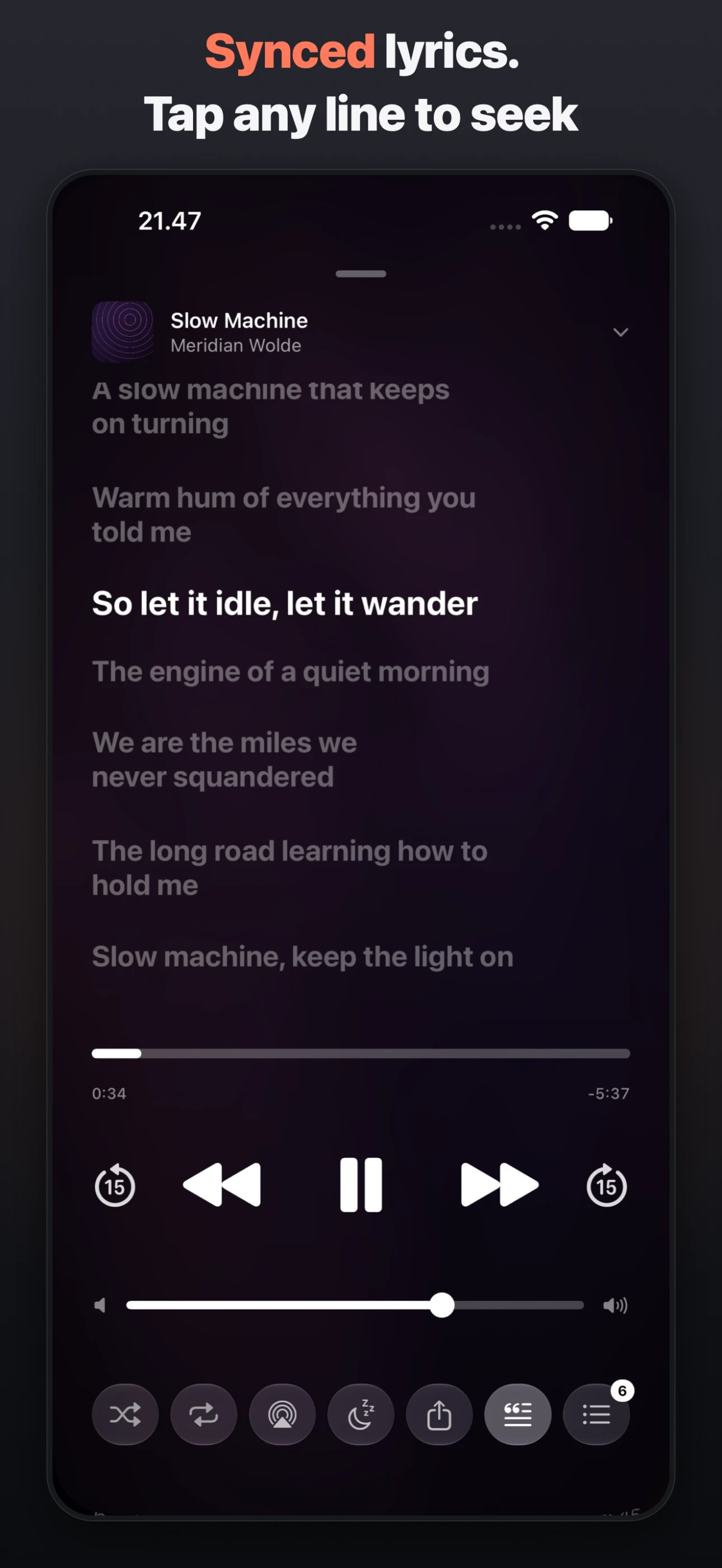
Lyrics
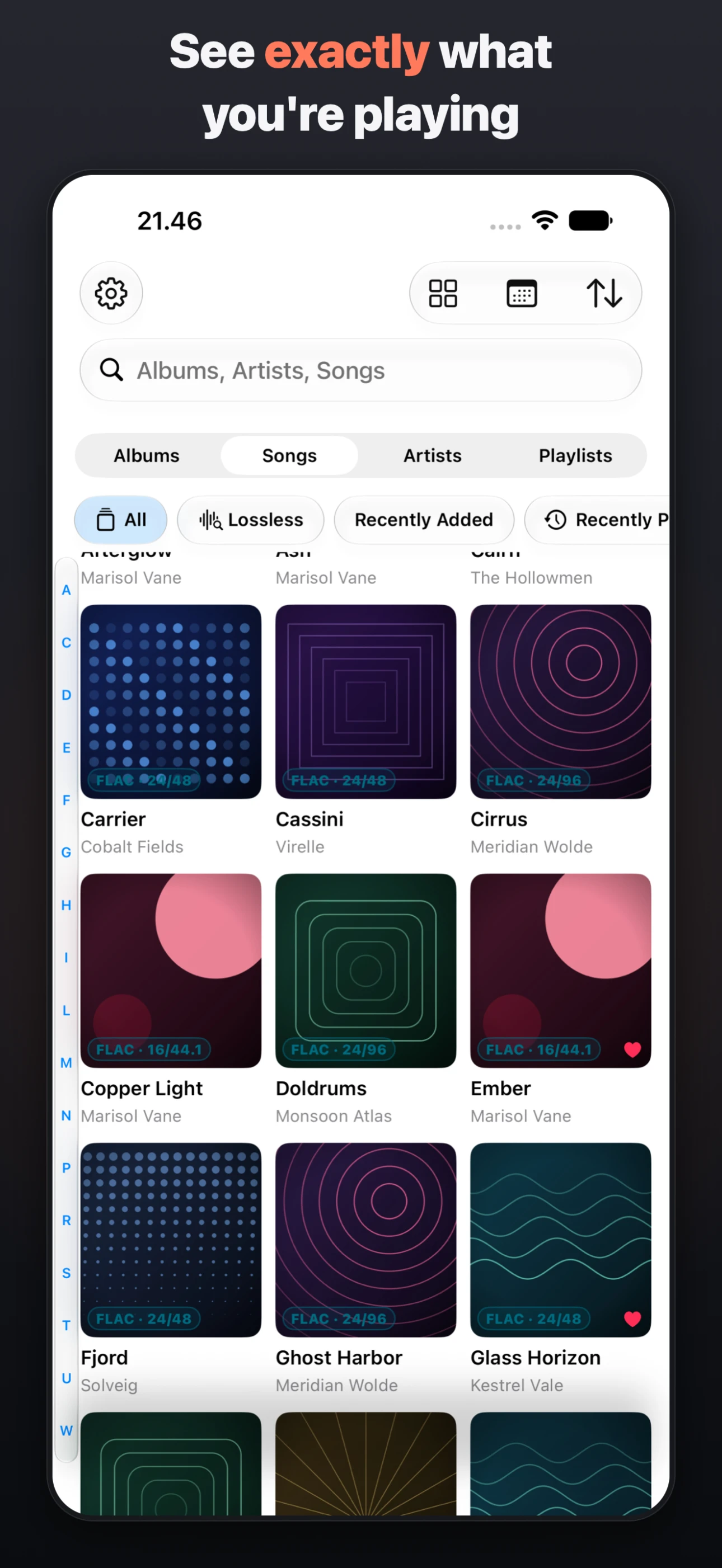
Quality
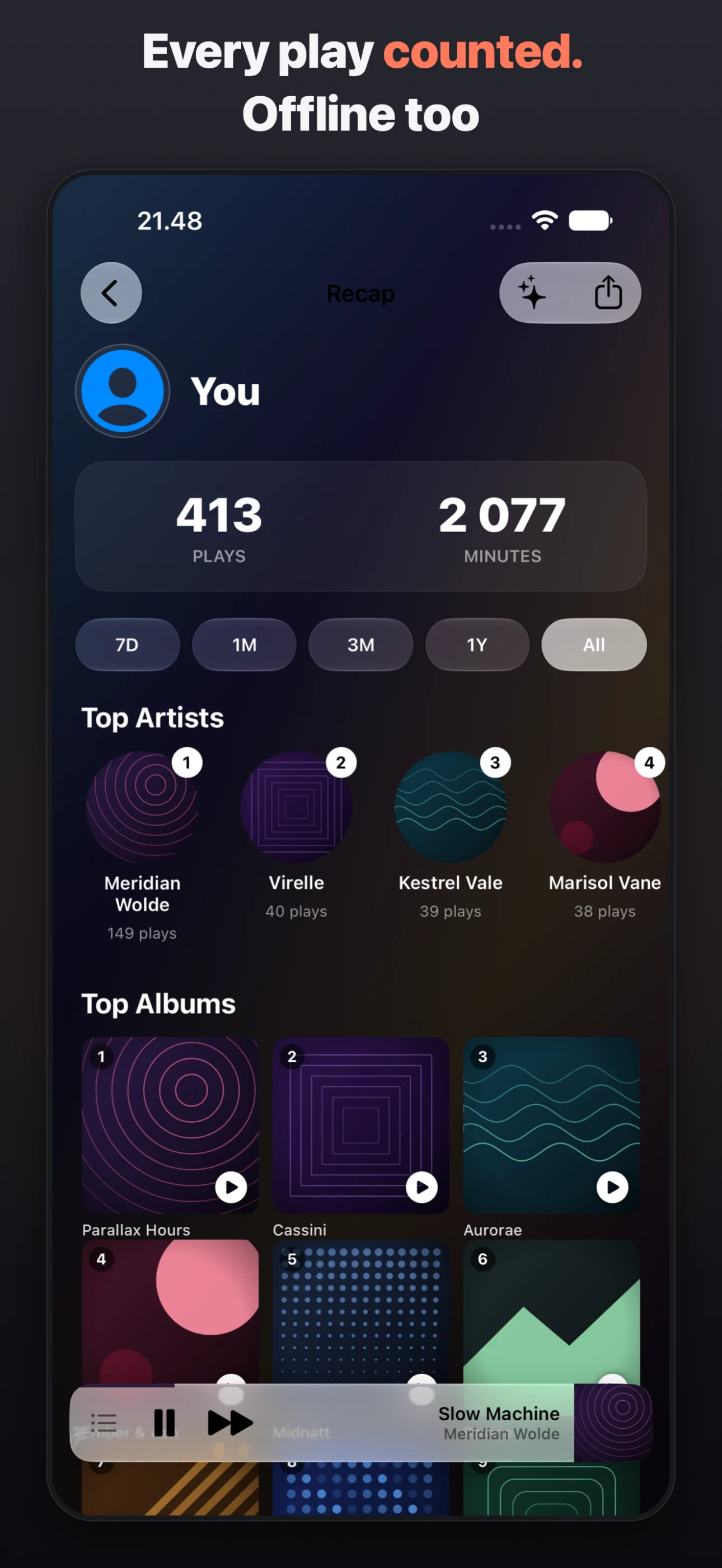
Recap
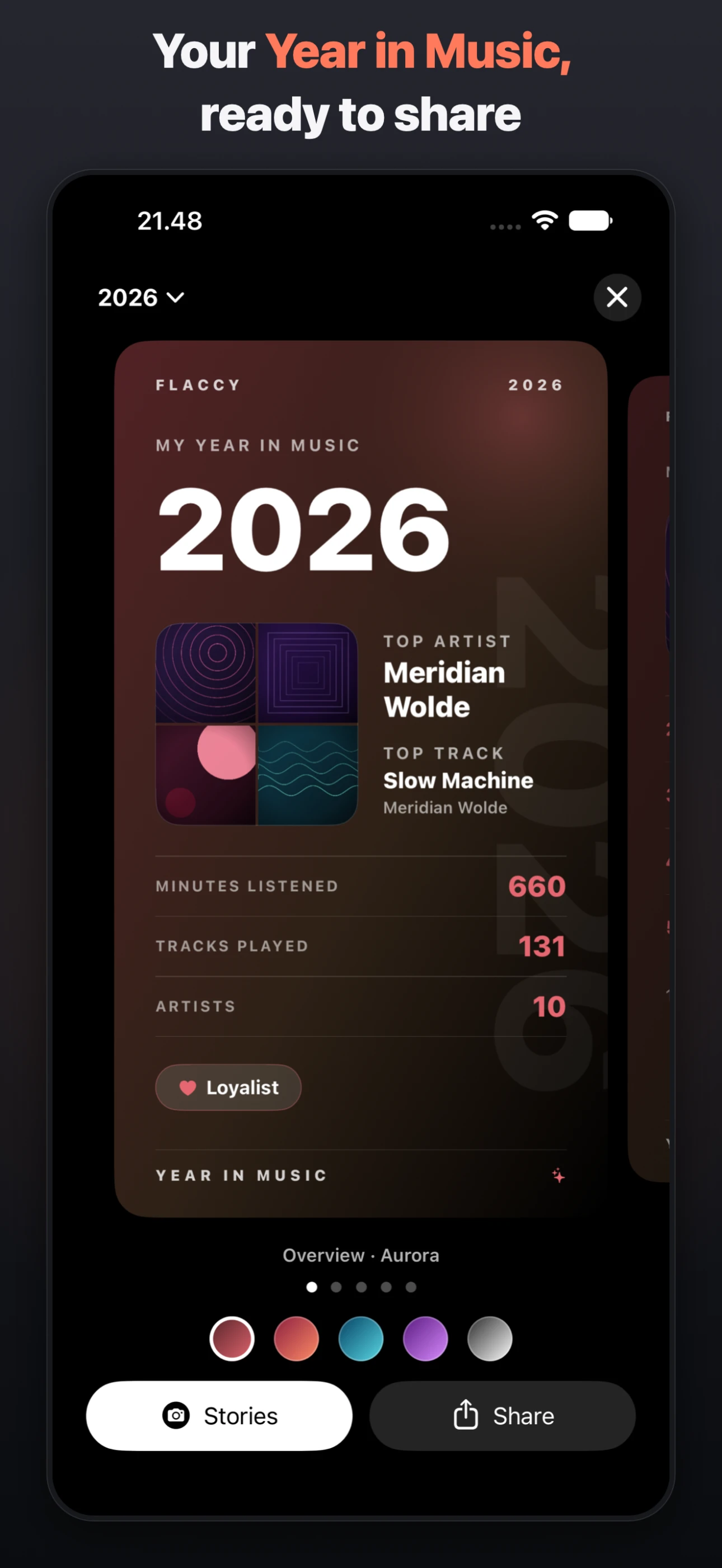
Year in Music
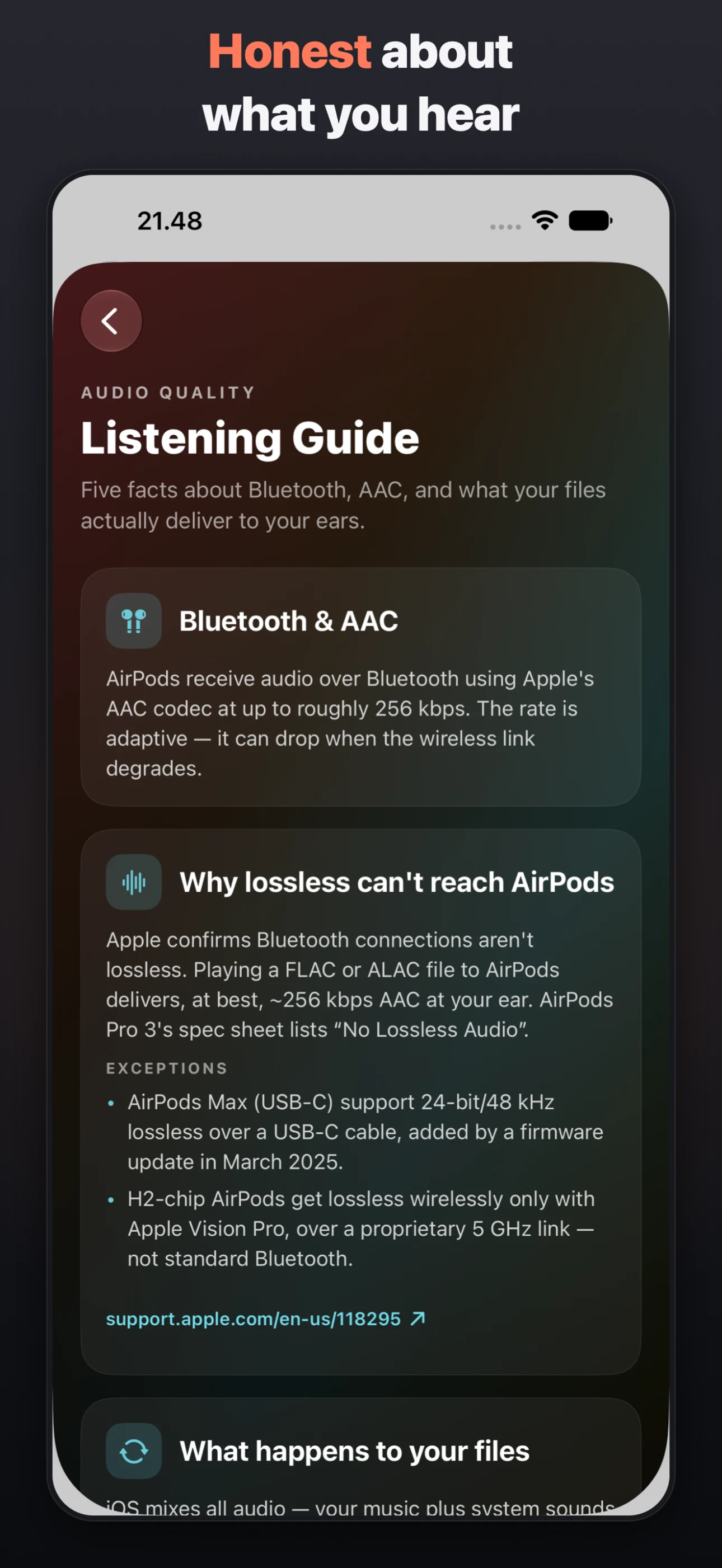
Listening Guide
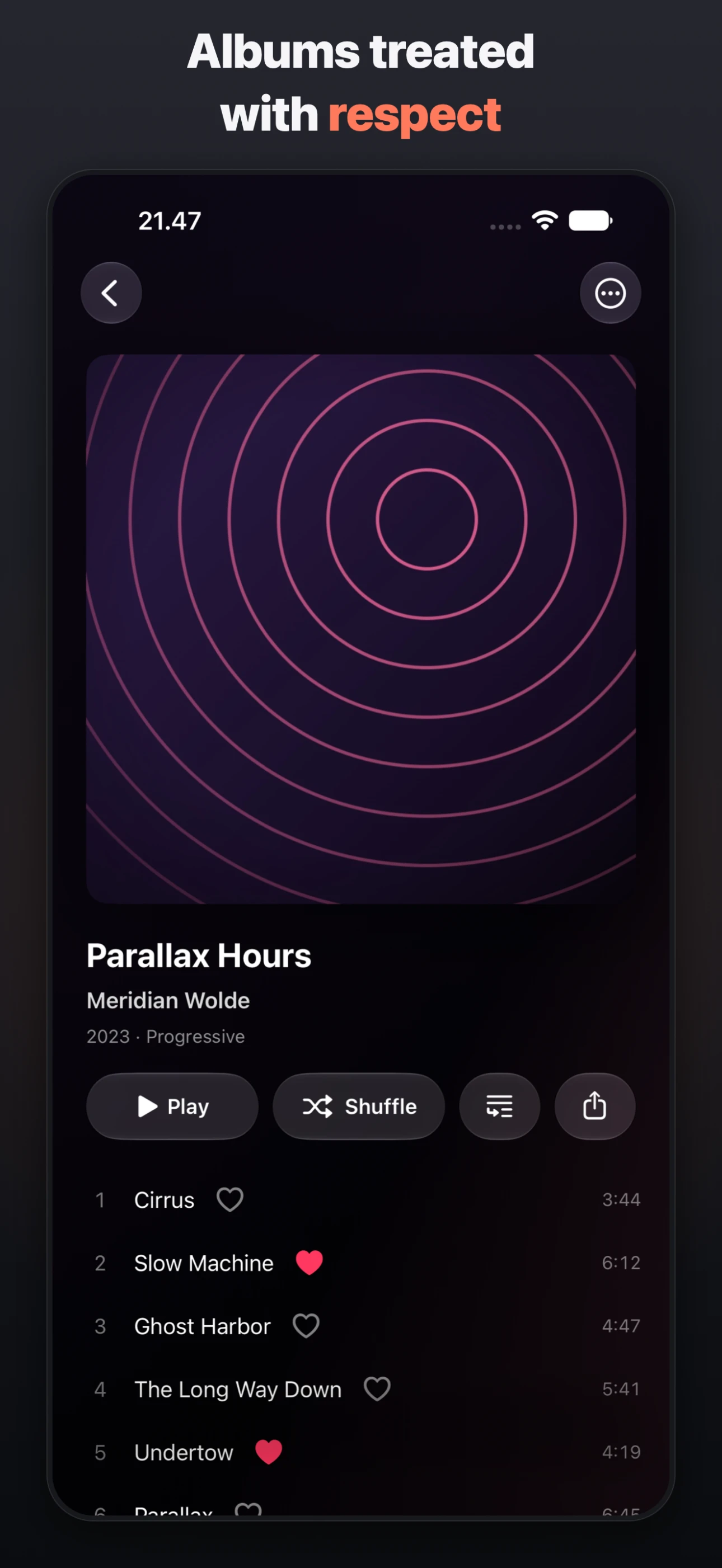
Album
tap a screen to enlarge · swipe to see more → click a screen to enlarge
cat flaccy/FEATURES.md
Drop in your FLAC, ALAC, AAC, or MP3 files and Flaccy turns them into a fast, gorgeous library — gapless playback, synced lyrics, and Last.fm scrobbling on iPhone, Apple Watch, Mac, and Linux. No streaming subscription, no upload, no account.
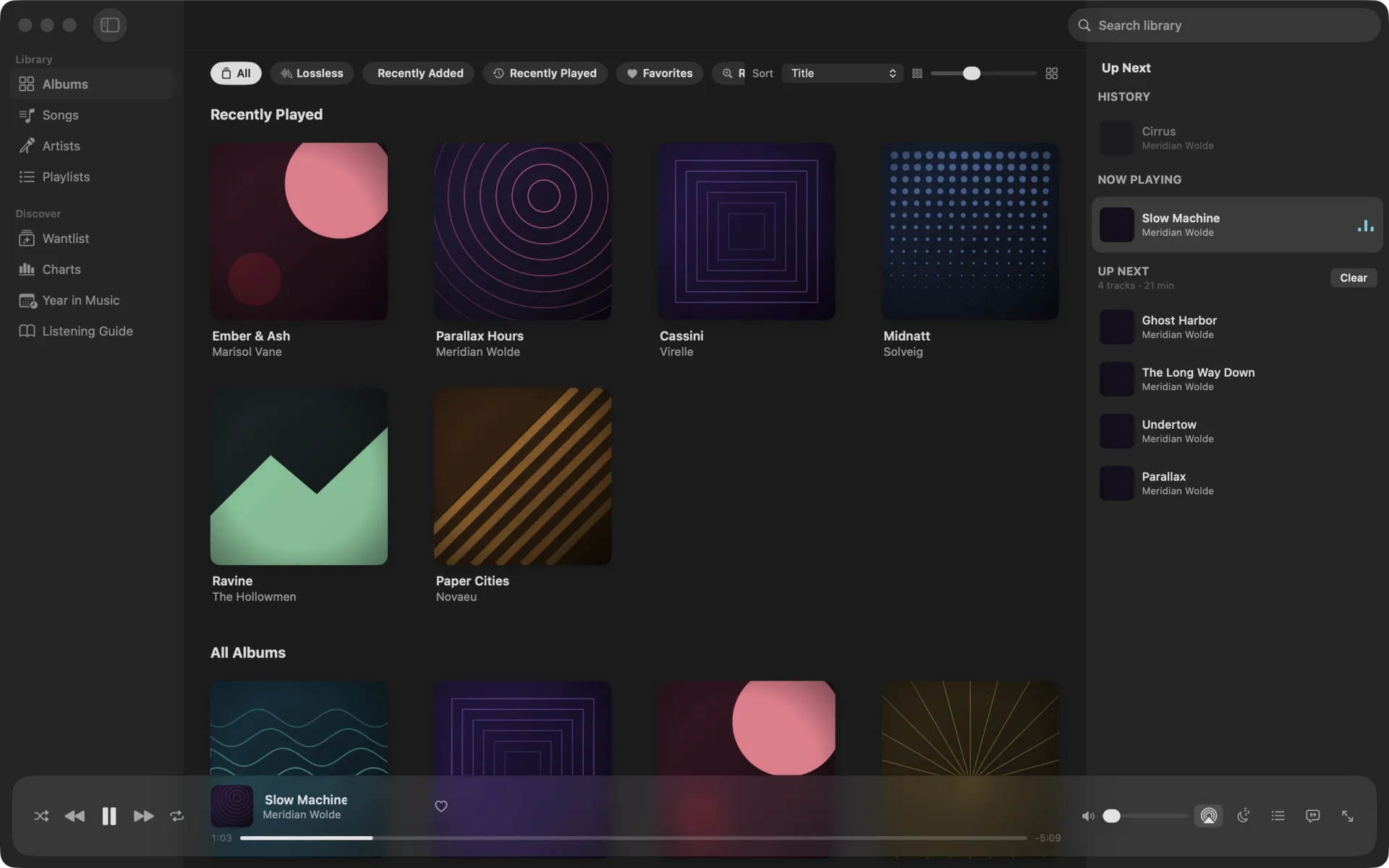
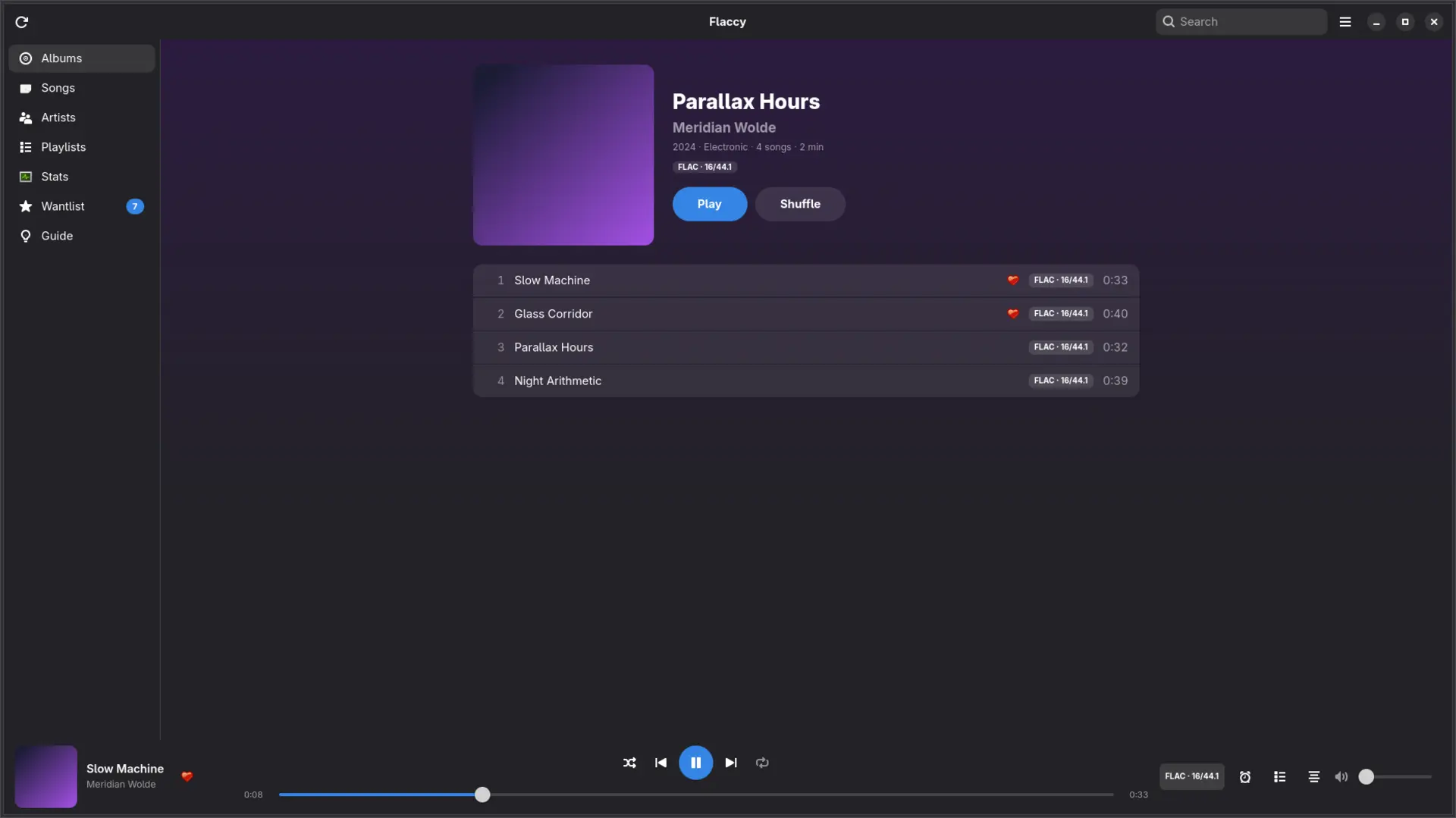
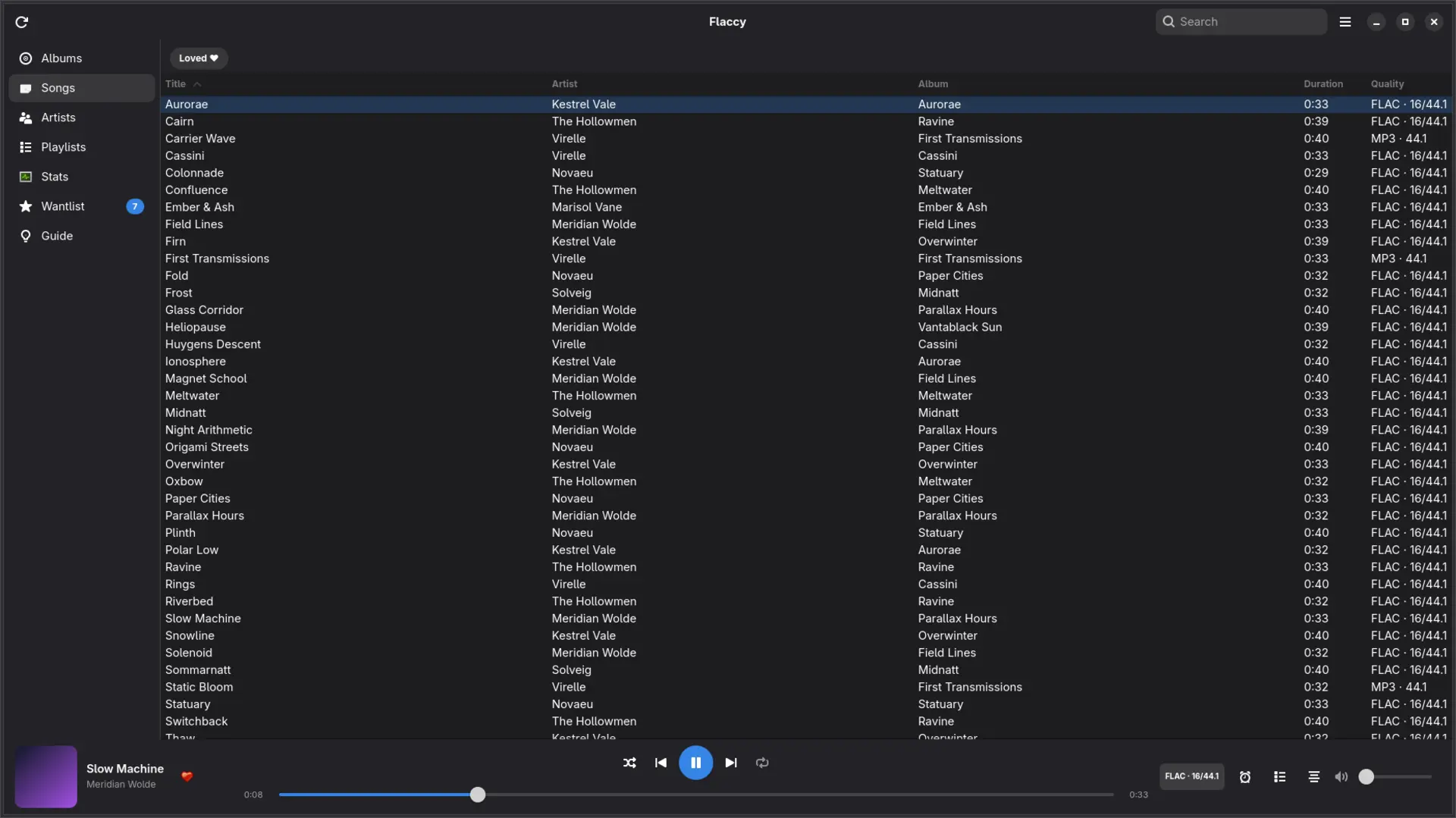
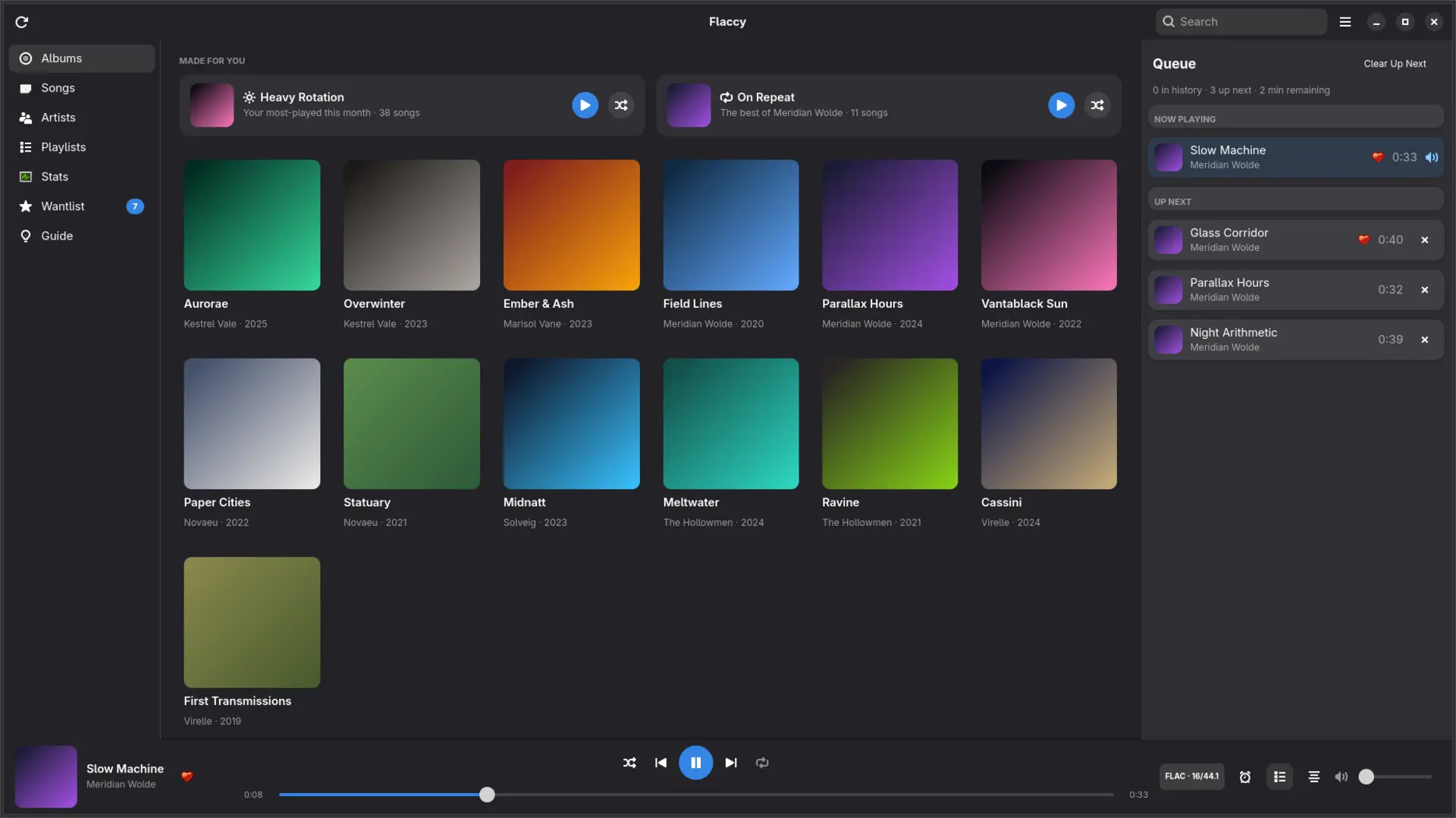
Albums, artists, songs, and playlists with search, sorting, and stunning artwork. Scene releases and messy folder names are identified and cleaned up automatically on import.
Albums play the way they were mastered — no gaps, no hiccups between tracks. Your queue persists across launches, so the music picks up exactly where you left it.
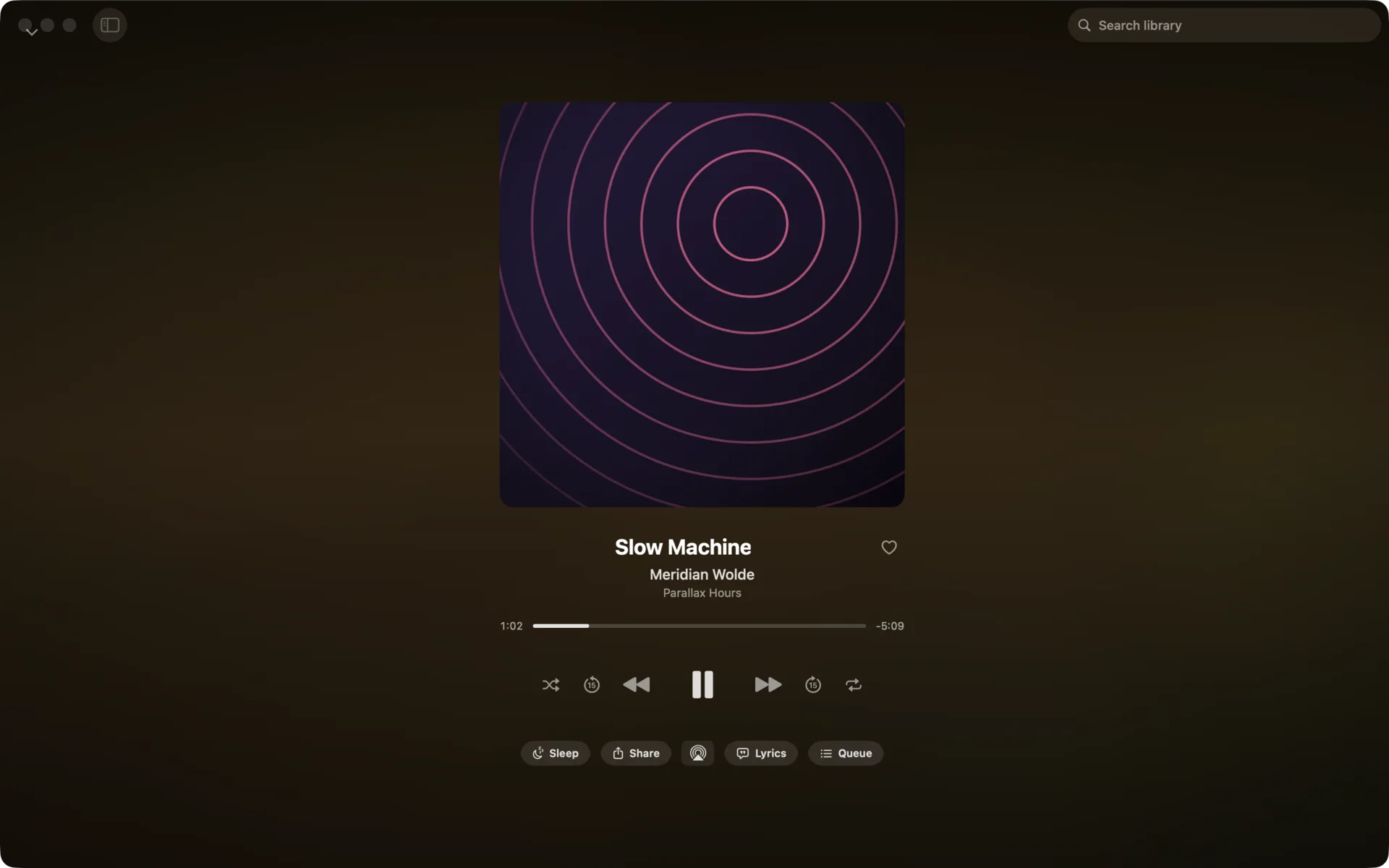
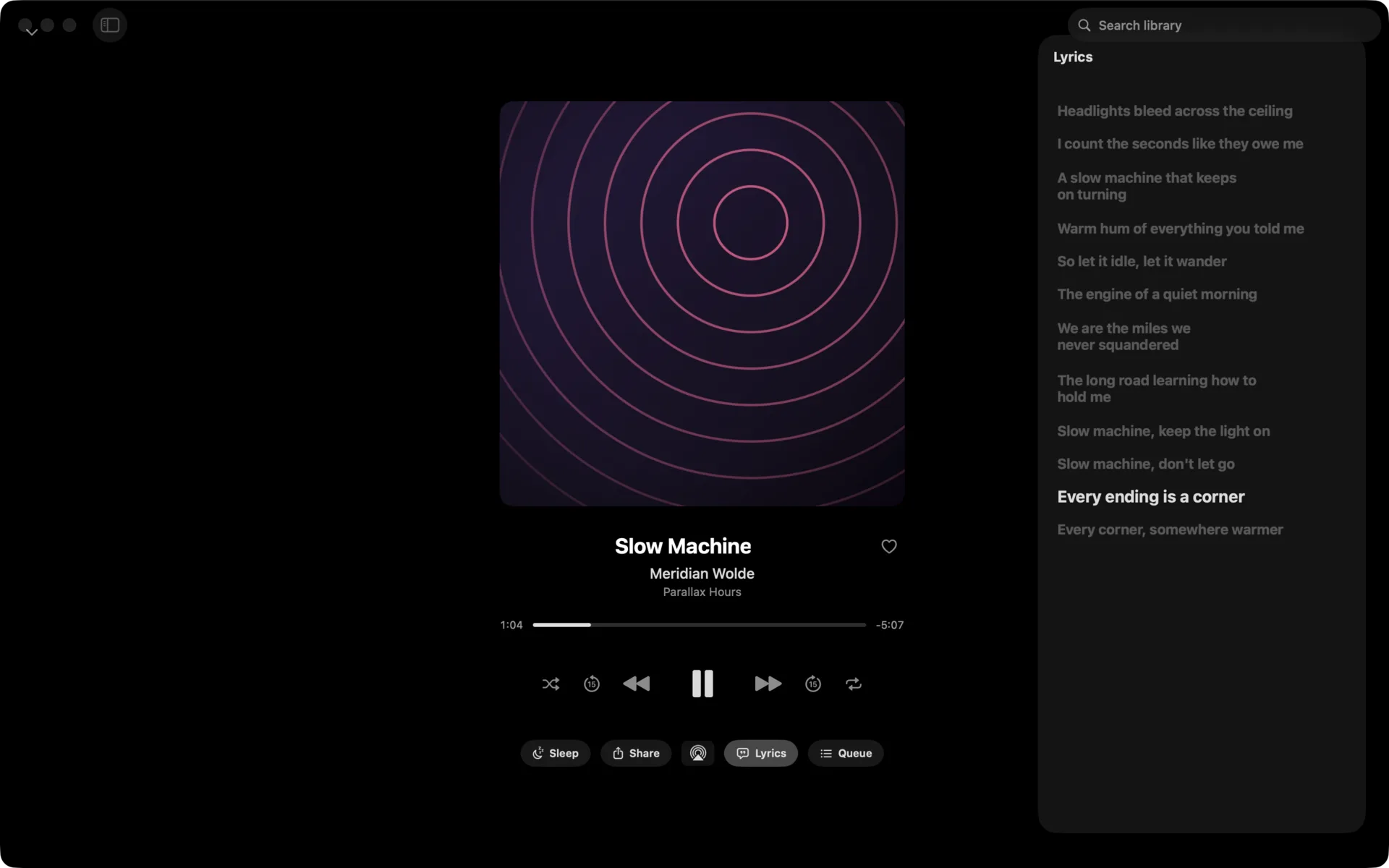
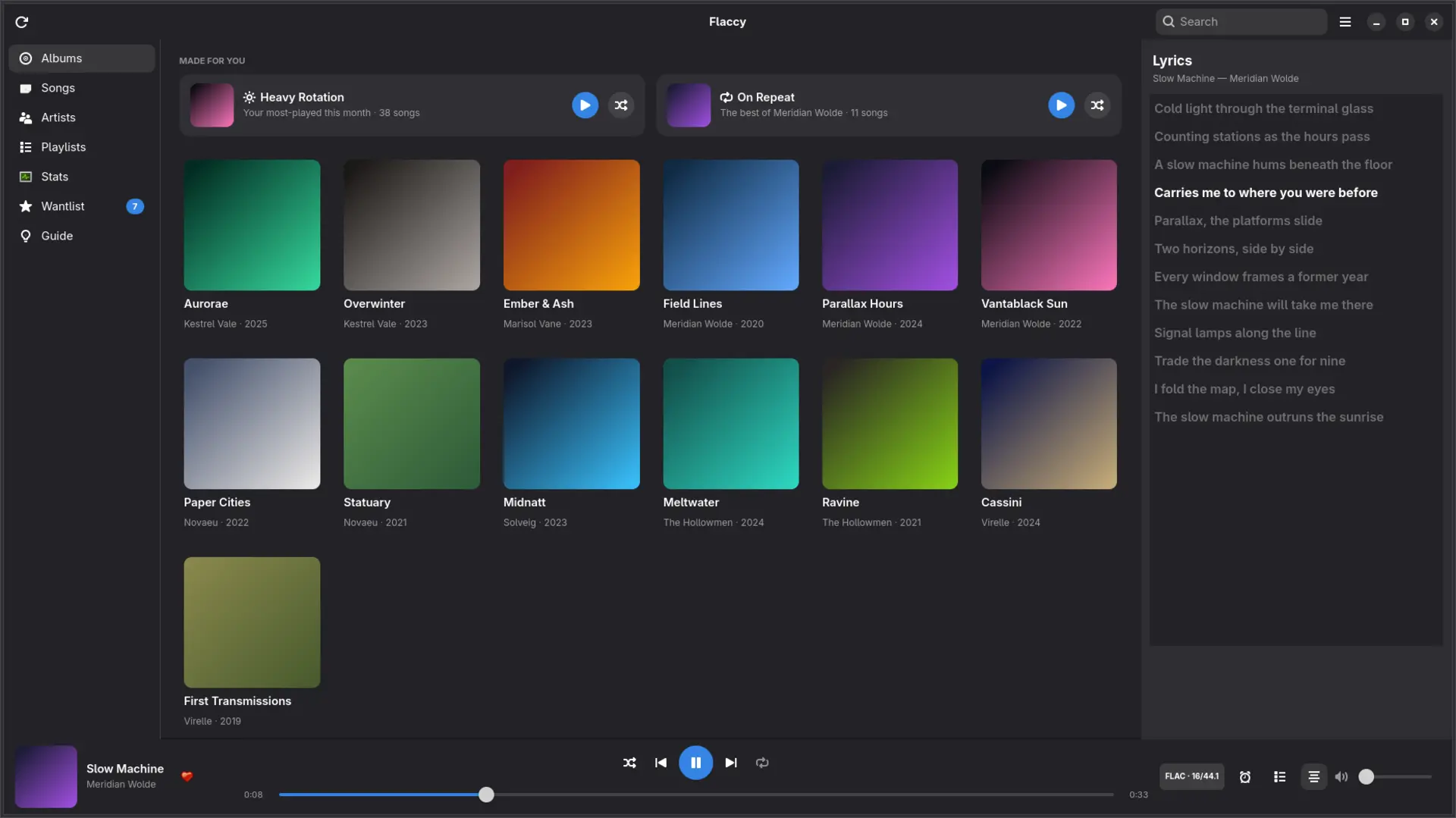
Synced lyrics with tap-to-seek, a Now Playing screen with ambient artwork backdrops, AirPlay, a sleep timer, and full playback controls on the Lock Screen and in the Dynamic Island.
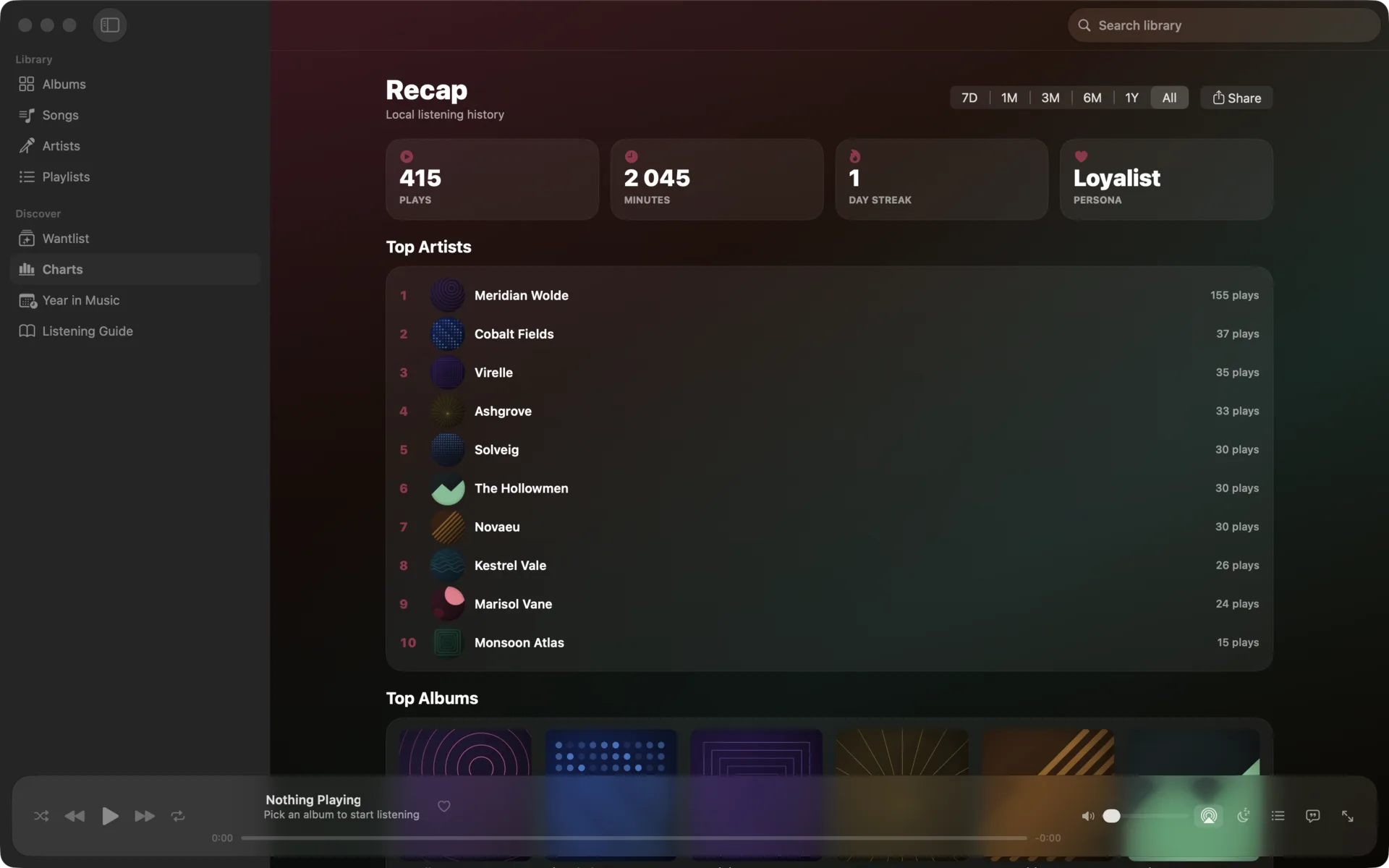
Sign in with Last.fm and every play is scrobbled — even offline, with automatic retry. Loved tracks, listening charts, and artist bios matched to your library.
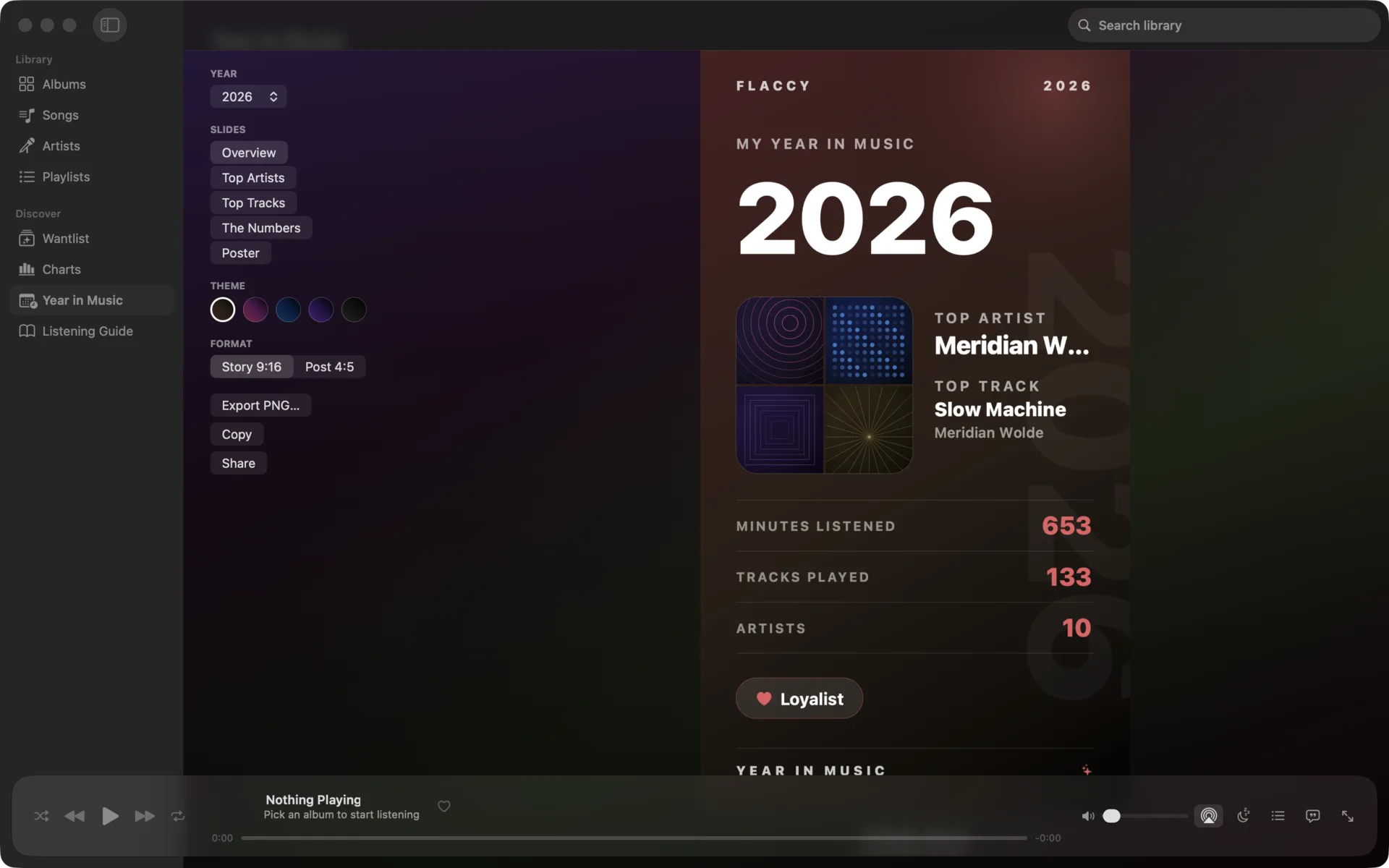
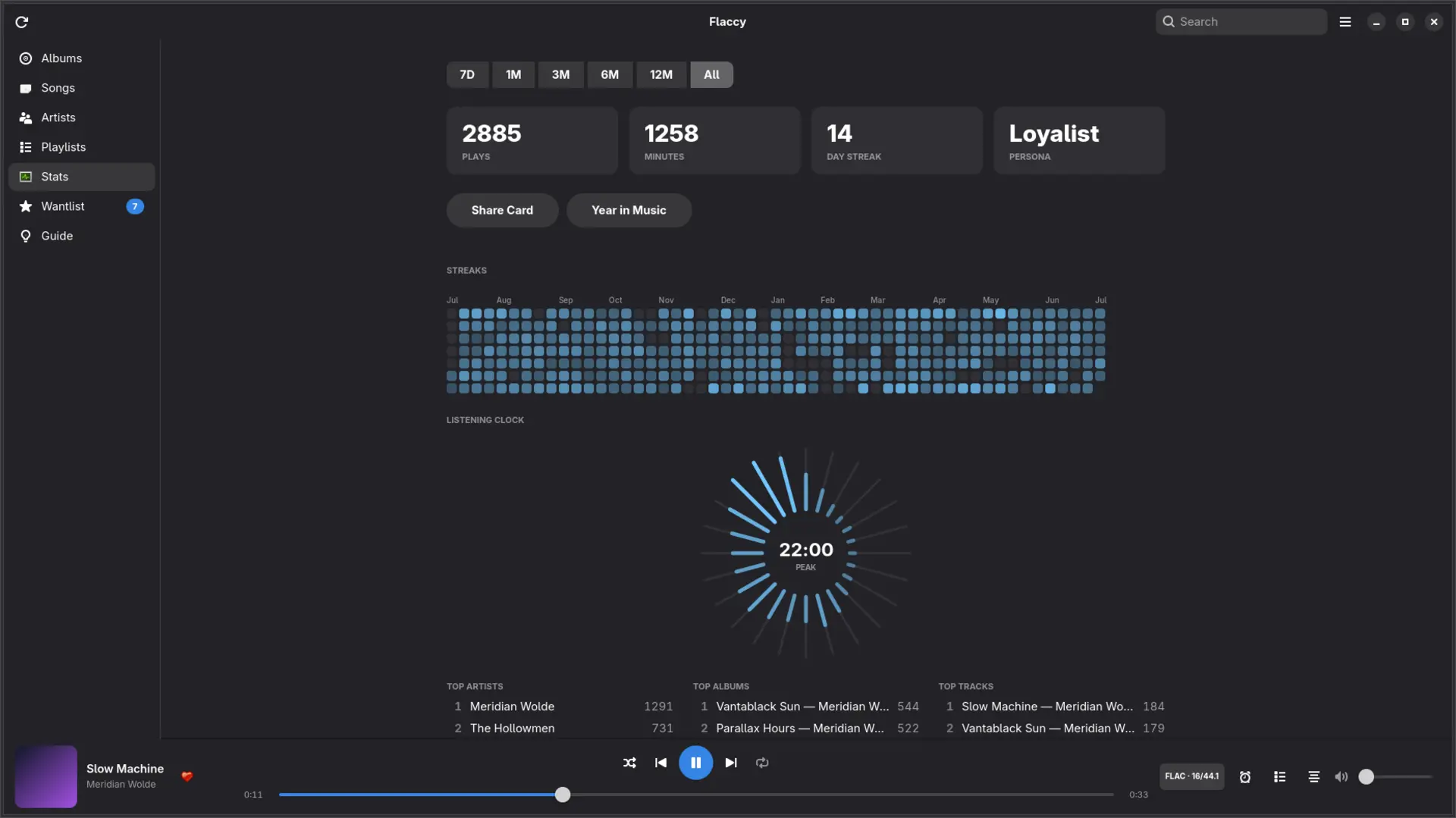
Your listening year as shareable story cards and a poster — top artists, albums, and the numbers behind them, rendered beautifully from your own plays.
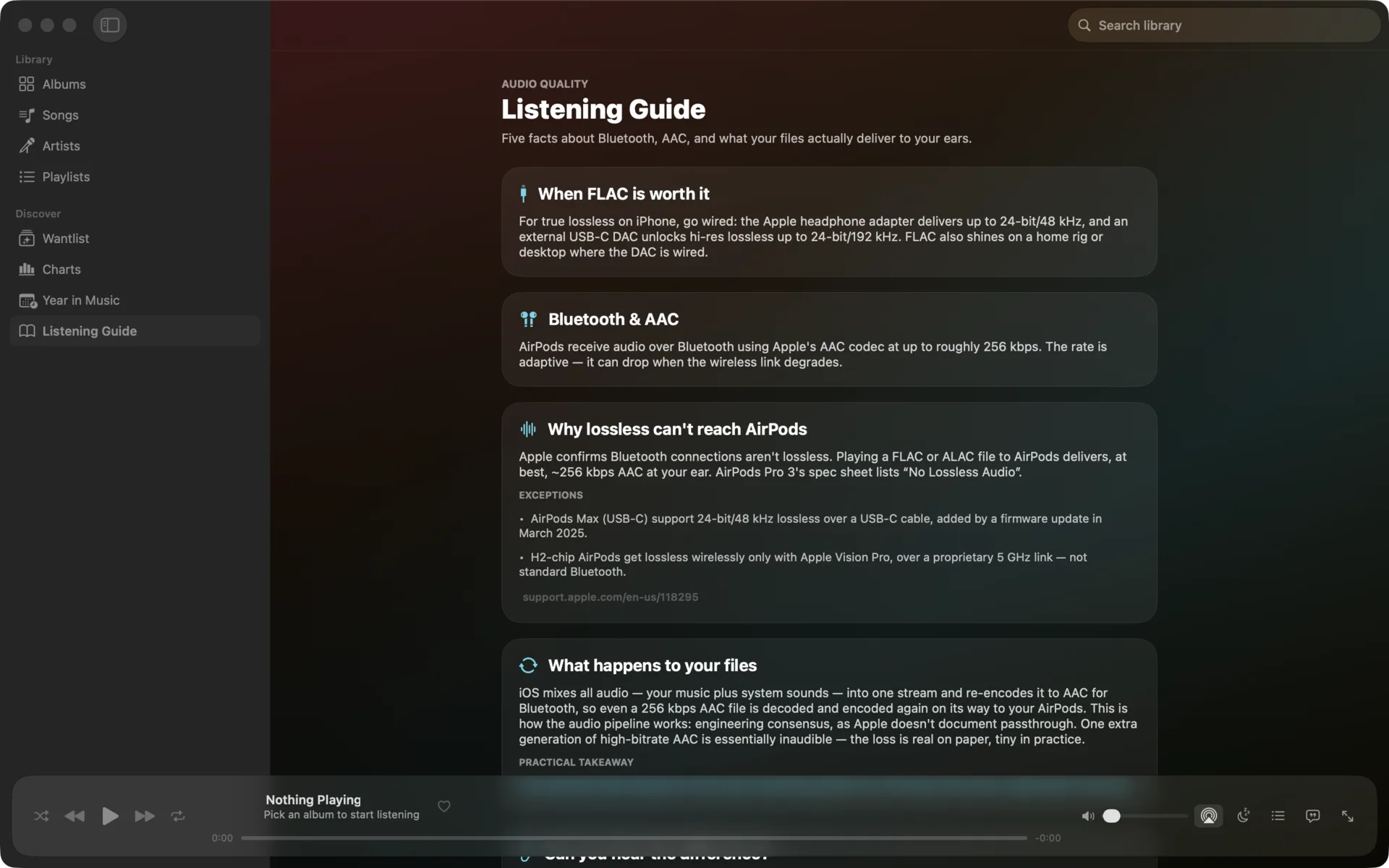
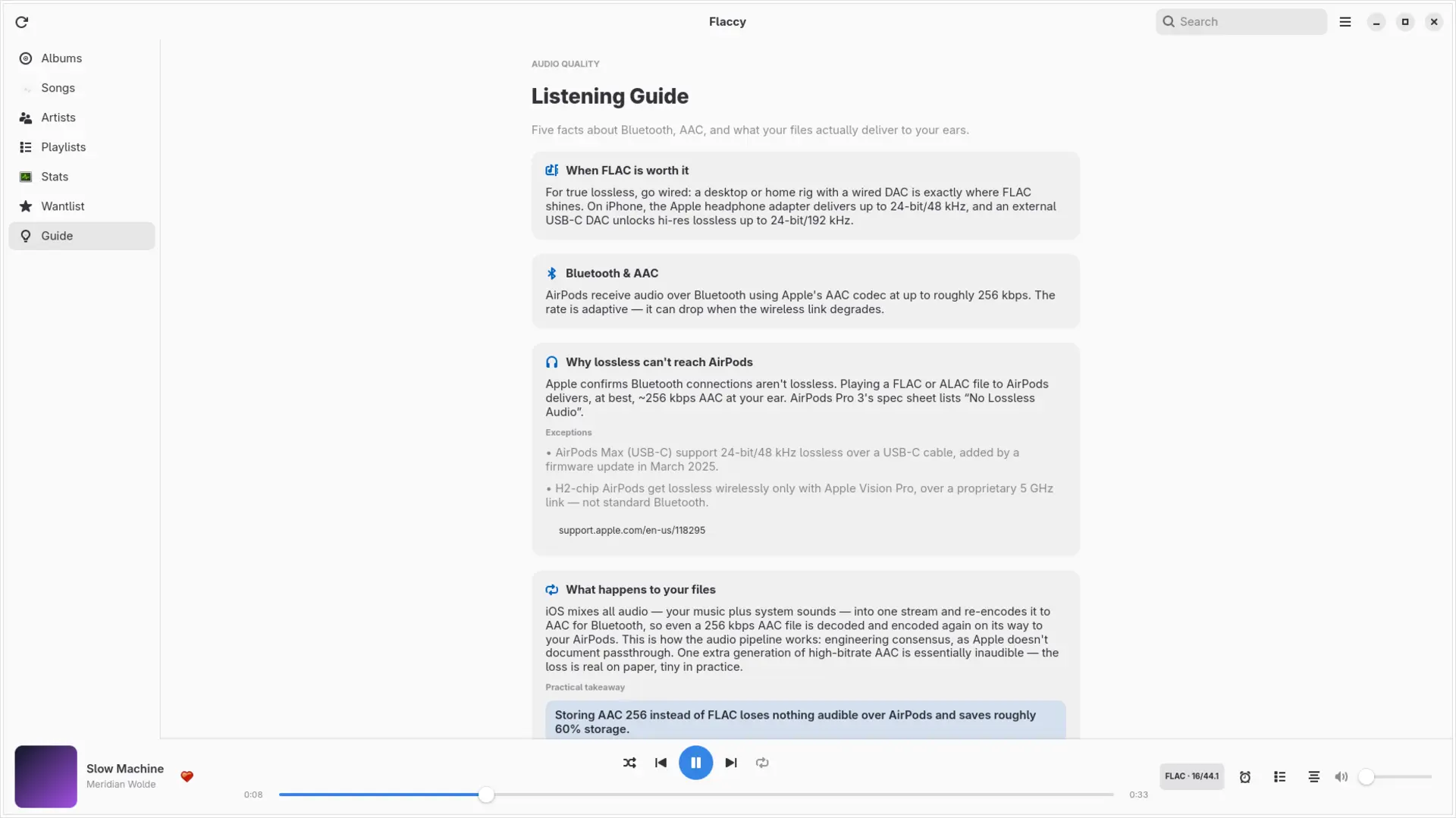
The built-in Listening Guide explains what actually reaches your ears — Bluetooth codecs, why lossless can't reach AirPods, and when FLAC is worth it. No snake oil.
Sync albums to your watch and play them offline — gapless, shuffle, repeat — no iPhone in your pocket.
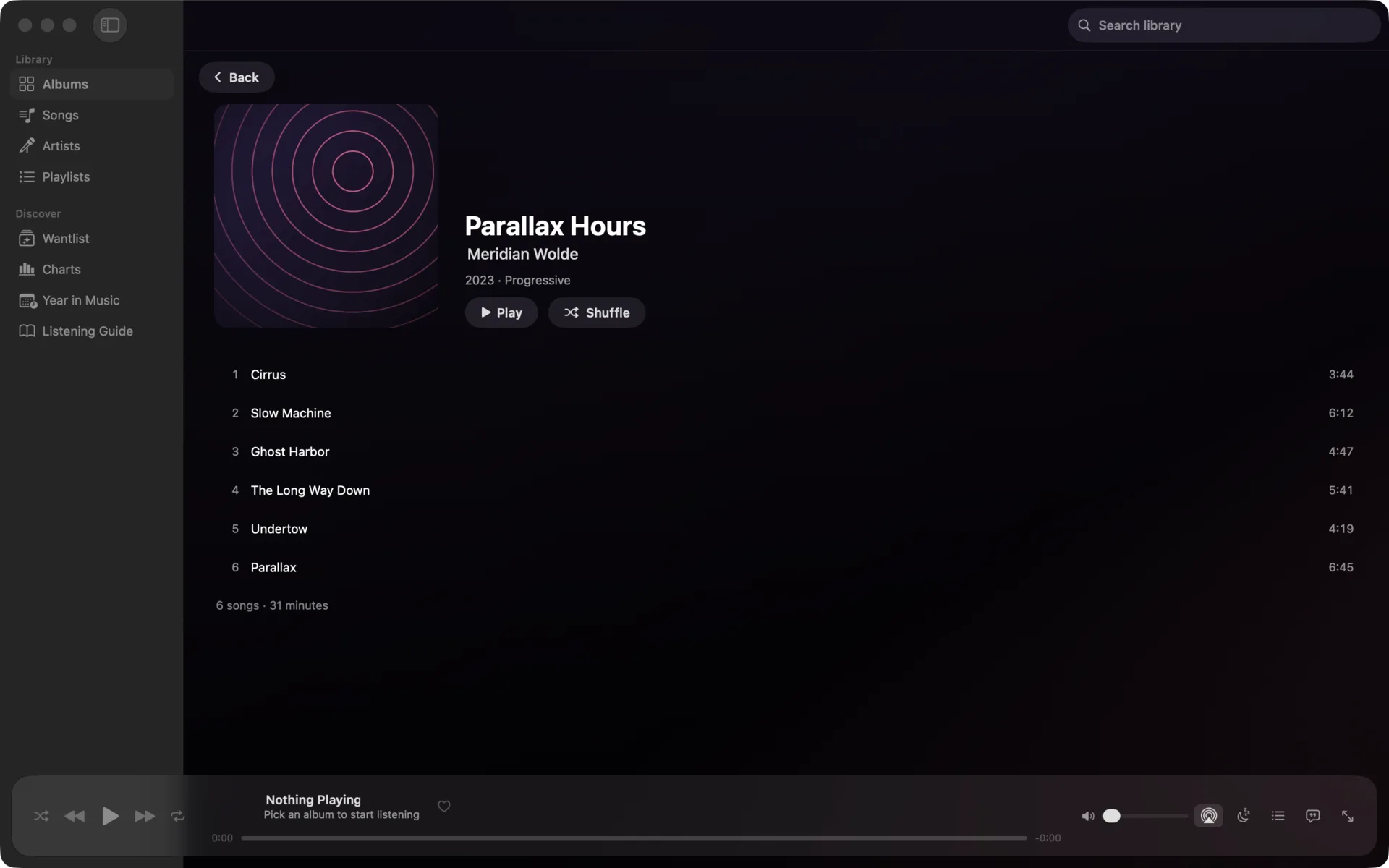
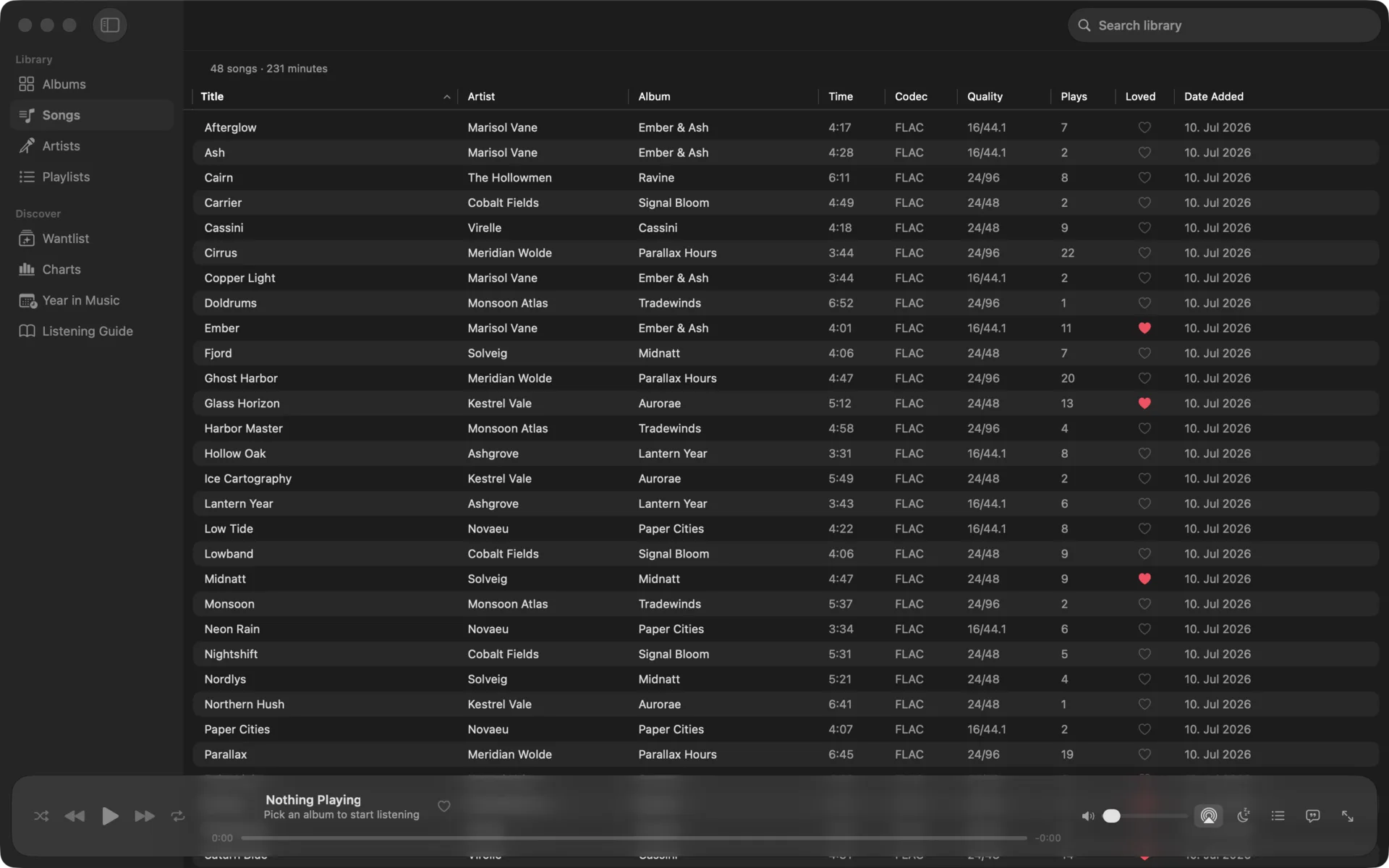
Codec, bit depth, and sample rate on every track — honesty down to the file.
A native Liquid Glass Mac app, built for the desk. Watch a folder and new files appear instantly, control playback from the menu bar mini player and your media keys, sort a multi-column song list, browse keyboard-first, and export full-resolution Year in Music posters. Coming soon to the Mac App Store.
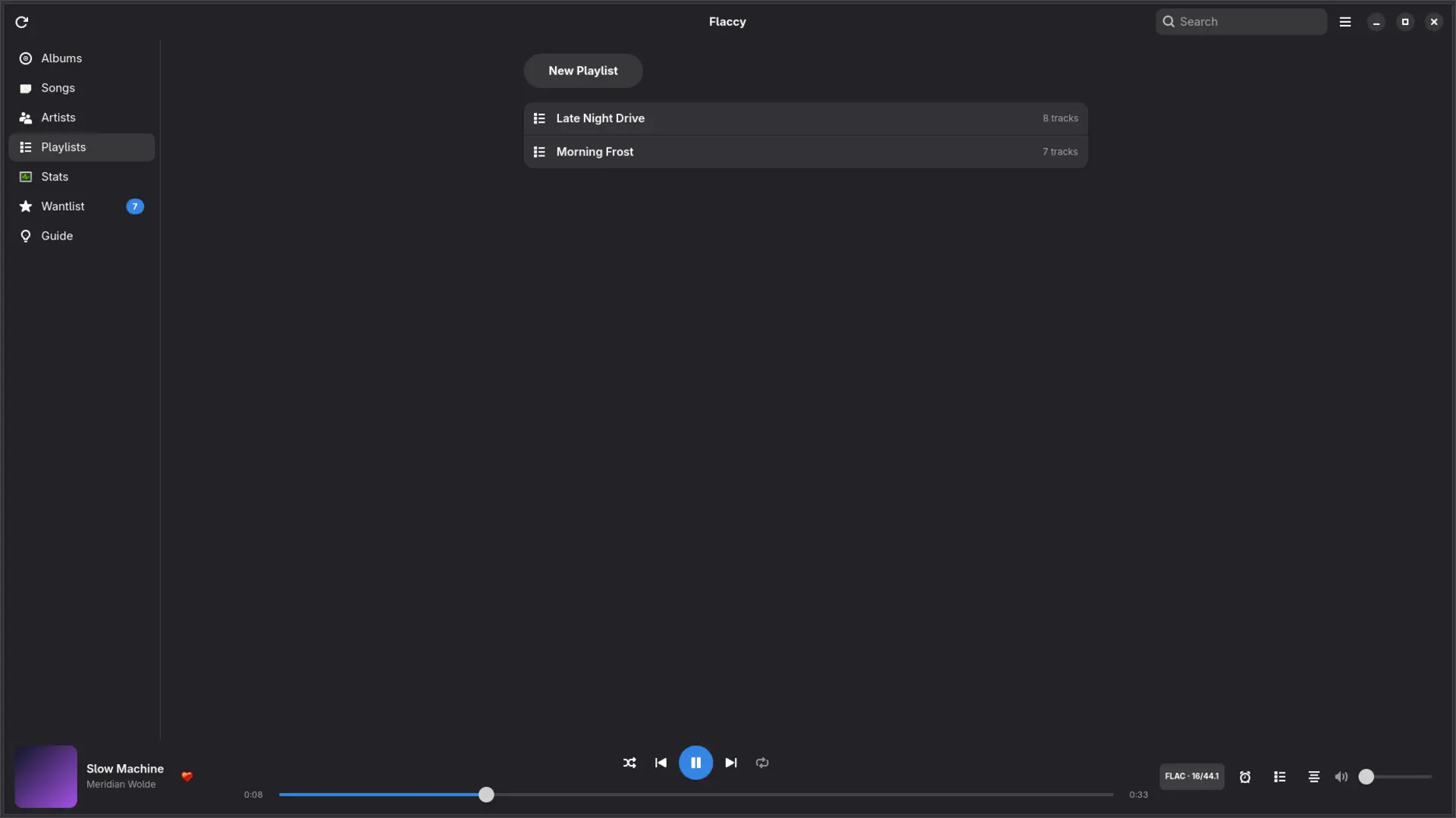
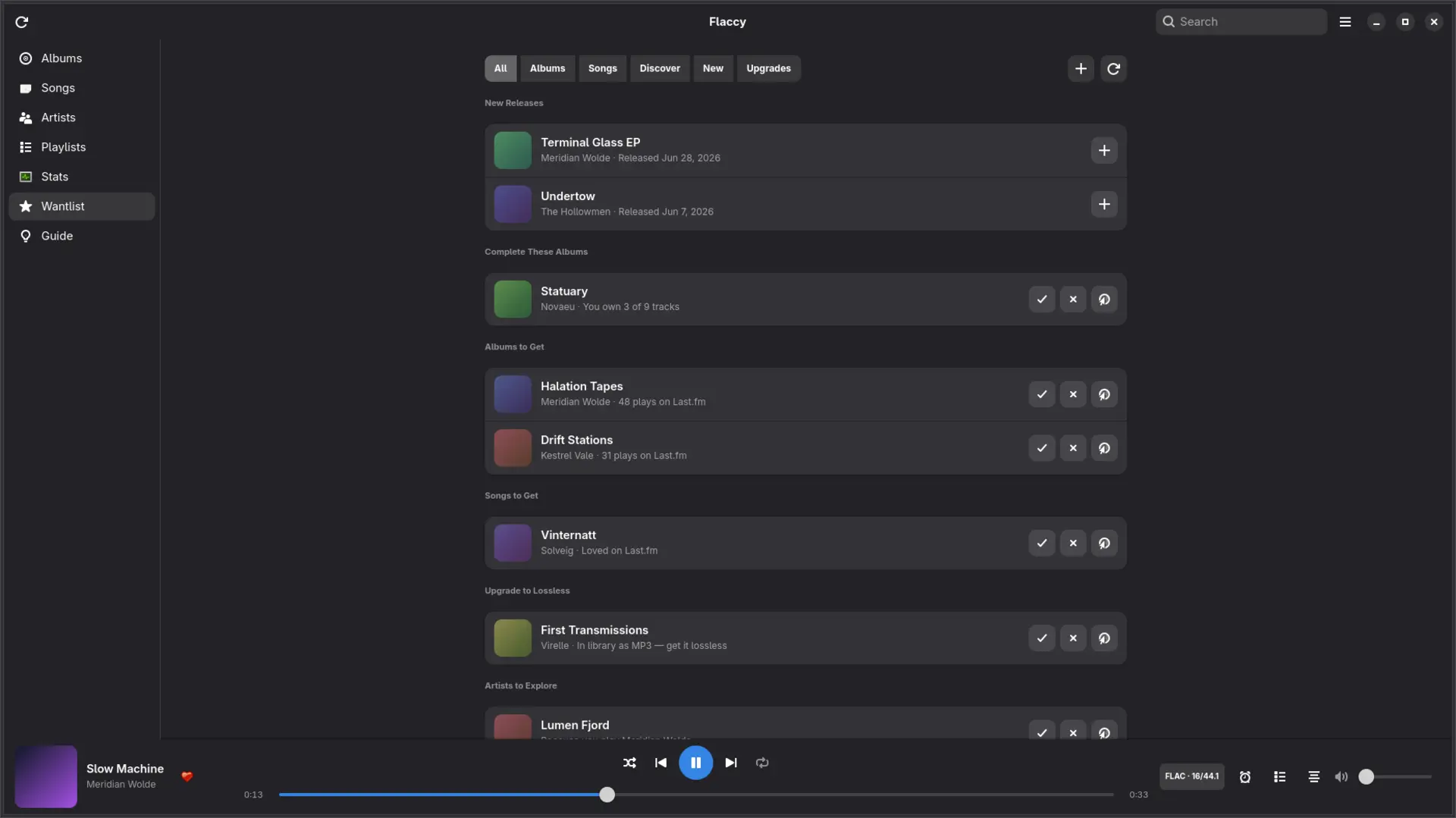
A native GTK4 app for the penguin at your desk: gapless GStreamer playback, media keys via MPRIS, Last.fm scrobbling, synced lyrics, and listening stats — following your system light or dark theme. Free and open. Install with one command: curl -fsSL https://raw.githubusercontent.com/guitaripod/flaccy/master/linux/get-flaccy.sh | sh — or grab flaccy-bin from the AUR.
man flaccy
Copy music over USB or pick files in the Files app. Flaccy identifies and cleans up messy folder names and scene releases automatically.
Browse albums, artists, songs, and playlists, then play gaplessly with synced lyrics, ambient artwork, AirPlay, and full playback controls on the Lock Screen and in the Dynamic Island.
Sign in with Last.fm once and every play is scrobbled — even offline. Watch your charts grow and unwrap your Year in Music.
less flaccy/README
Flaccy is a beautiful player for the music you own. Drop in your FLAC, ALAC, AAC, or MP3 files and get a fast, gorgeous library with gapless playback, synced lyrics, and scrobbling — no streaming subscription, no upload, no account.
• Import via USB or the Files app — messy folder names and scene releases are identified and cleaned up automatically
• Albums, artists, songs, and playlists with search, sorting, and stunning artwork
• Gapless playback that honors your albums, with queue persistence across launches
• Codec, bit depth, and sample rate shown on every track — see exactly what you're playing
• Synced lyrics with tap-to-seek
• Full playback controls on the Lock Screen and in the Dynamic Island
• AirPlay, sleep timer, and a Now Playing screen with ambient artwork backdrops
• Sign in with Last.fm and every play is scrobbled — even offline, with automatic retry
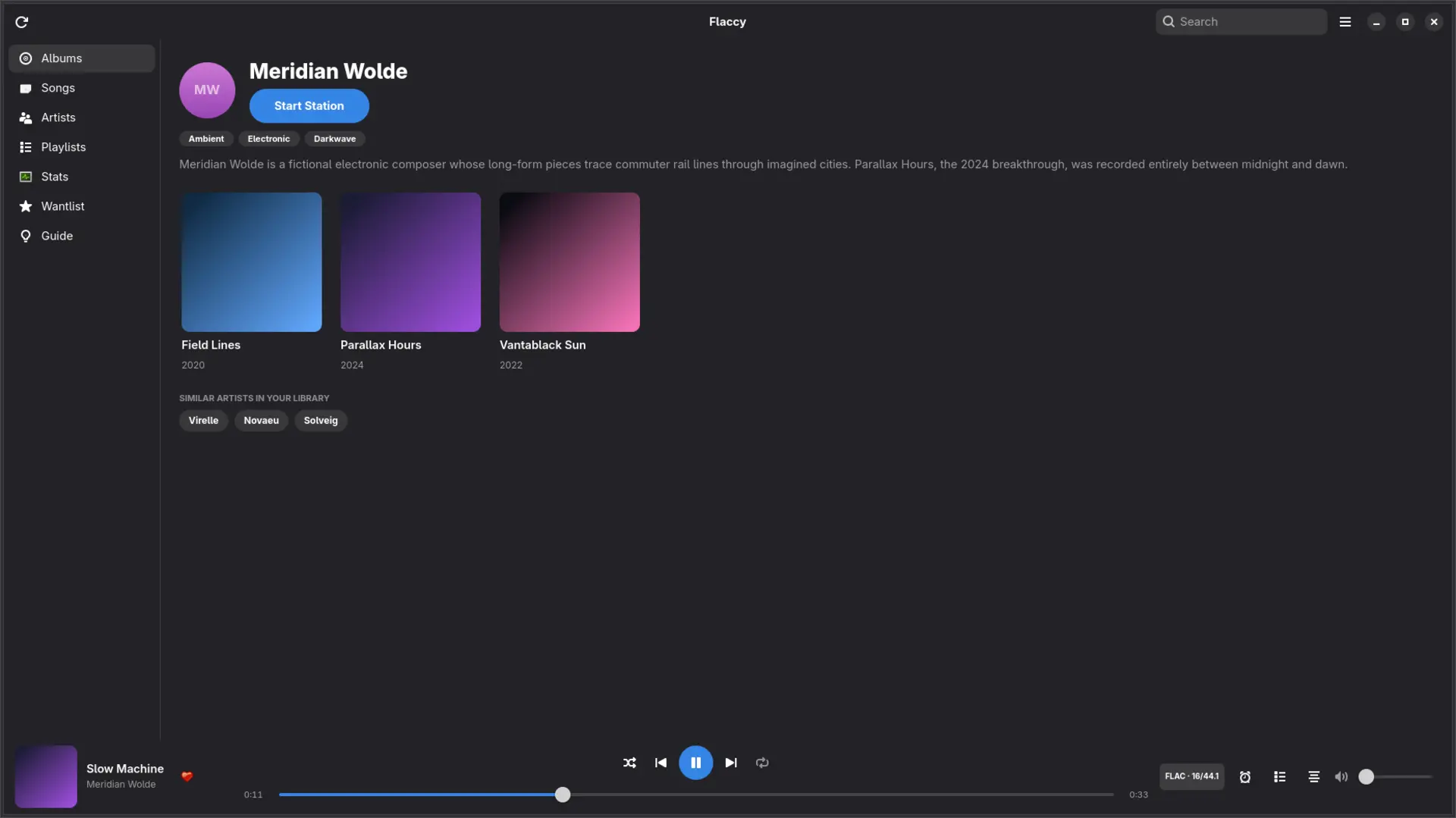
• Loved tracks, listening charts, and artist bios matched to your library
• Year in Music: shareable story cards and a poster of your listening year
• Sync tracks to your watch and play them offline — no iPhone required
• A true standalone player: gapless playback, shuffle, repeat, and AirPods controls from your wrist
• Storage-smart sync that knows what fits on your watch
• Start a station from any song — Flaccy builds a queue from your own library
• Suggested playlists and similar-artist trails
• Share any track as a universal streaming link — friends open it in their app, you keep your FLACs
The built-in Listening Guide explains what actually reaches your ears — Bluetooth codecs, why lossless can't reach AirPods, when FLAC is worth it, and what blind tests really show. No snake oil.
Flaccy plays FLAC, ALAC, AAC, M4A, MP3, WAV, AIFF, and CAF.
./flaccy --faq
FLAC, ALAC, AAC, M4A, MP3, WAV, AIFF, and CAF — with gapless playback across all of them.
No. Flaccy plays files you already own, stored on your iPhone. There is no upload, no account, and no subscription required. A Last.fm account is optional, only for scrobbling.
Two ways: copy files over USB from a computer, or import them through the Files app. Messy folder names and scene releases are identified and cleaned up automatically.
Yes. Sign in with your Last.fm account and every play is scrobbled — even when you're offline, with automatic retry once you're back online. You also get loved tracks, listening charts, and artist bios matched to your library.
Yes — a true standalone player. Sync albums from your iPhone, then play them offline from your wrist with gapless playback, shuffle, repeat, and AirPods controls. No iPhone required.
It depends on how you listen — and Flaccy is honest about it. The built-in Listening Guide explains Bluetooth codecs, why lossless can't reach AirPods, when FLAC is genuinely worth it, and what blind tests really show.
Yes — Flaccy for Mac is a native Liquid Glass app for macOS, coming soon to the Mac App Store. Point it at a folder and new files appear instantly, control playback from the menu bar mini player and your media keys, sort a multi-column song list, and export full-resolution Year in Music posters. It's a separate one-time purchase from the iOS app.
Yes — Flaccy for Linux is a native GTK4 app with gapless playback, MPRIS media keys, Last.fm scrobbling, and synced lyrics. It is free and open: install it with a single command (see the Flaccy for Linux section) or from the AUR as flaccy-bin.
Free to try with a 7-day free trial, then a $9.99 one-time purchase — no subscription, no account, no upload. The iOS app (with Apple Watch) and the Mac app are separate purchases, $9.99 each. Flaccy for Mac is coming soon to the Mac App Store. Flaccy for Linux is free and open.
ls ~/apps